

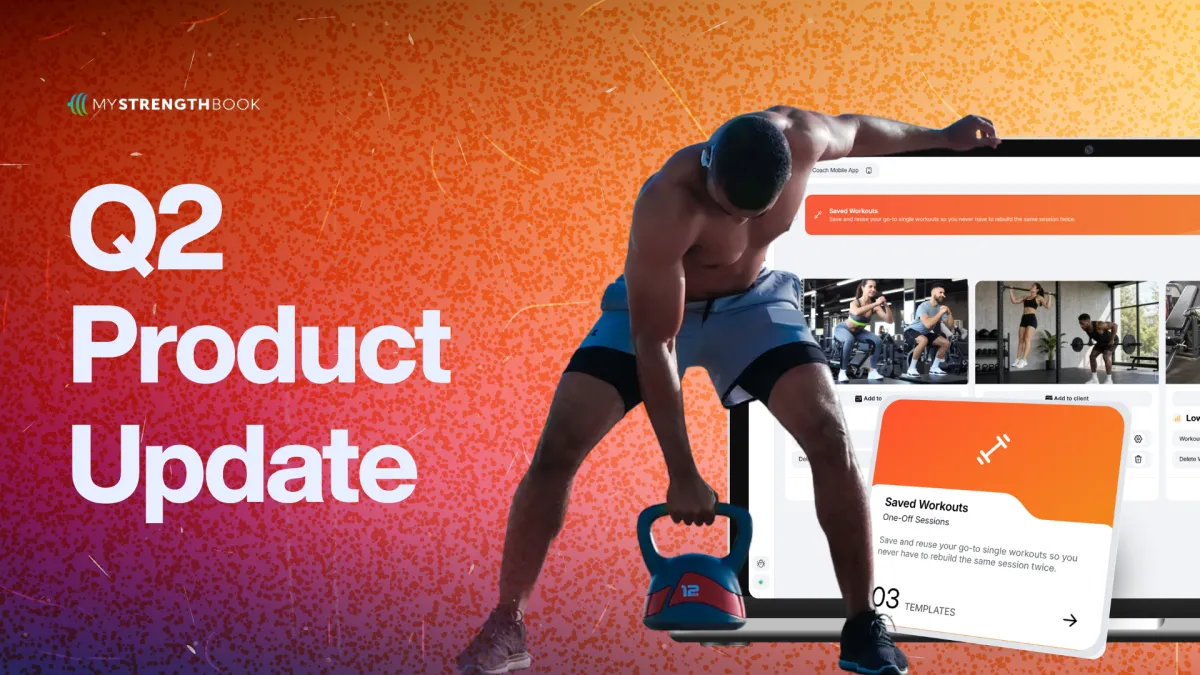
Q2 2026 product update
This quarter was about tightening the platform where it matters most for serious coaching businesses: making programming more precise, workflows more efficient, and the day-to-day experience more reliable for both coaches and athletes. The updates we shipped reflect a clear focus on helping coaches deliver better outcomes with less friction, scale their operations without losing quality, and run their business with more clarity, control, and confidence.
🏋 New Products
PERFORM
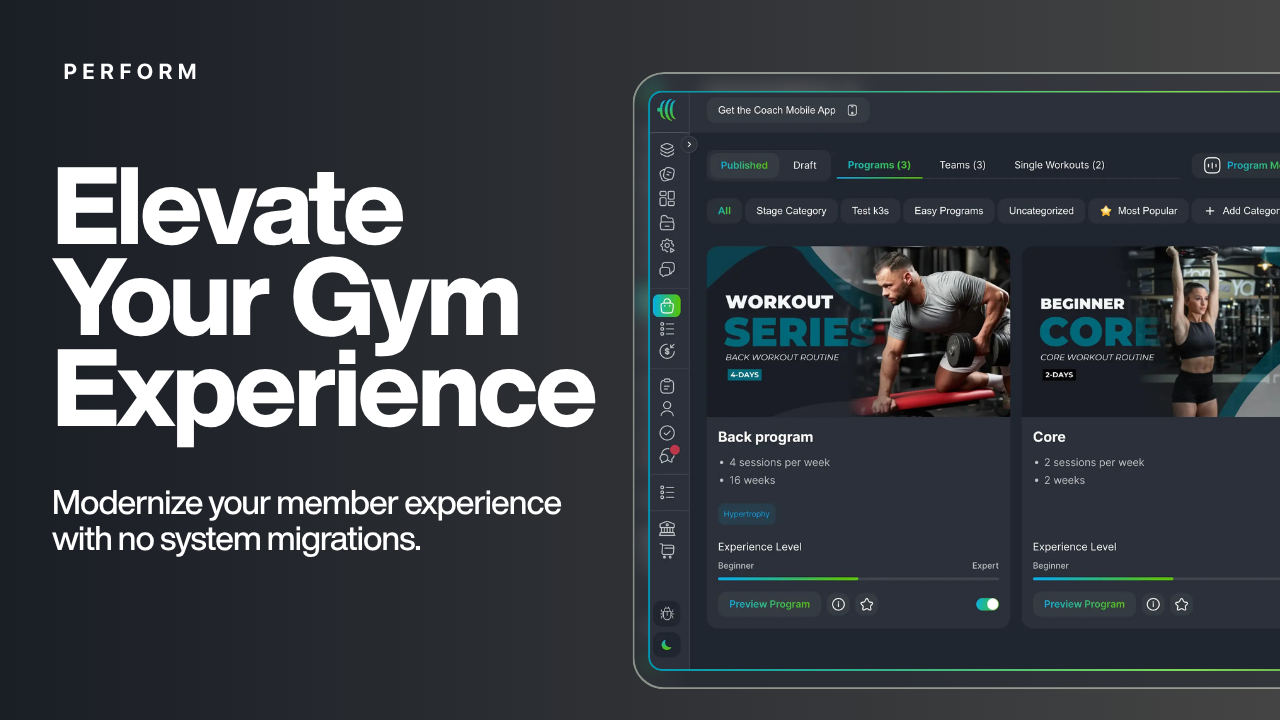
PERFORM is a new product built for gyms that integrates with your existing gym management system, giving all active gym members access to training programs directly in the app. Other benefits include a community chat for your members, broadcast messages, videos on how to use the equipment, in-app scheduling and booking, and much more.
PERFORM is for gyms that do not want to migrate off their existing gym management system, but want a training app for their members.
In-App Scheduling (Private BETA)
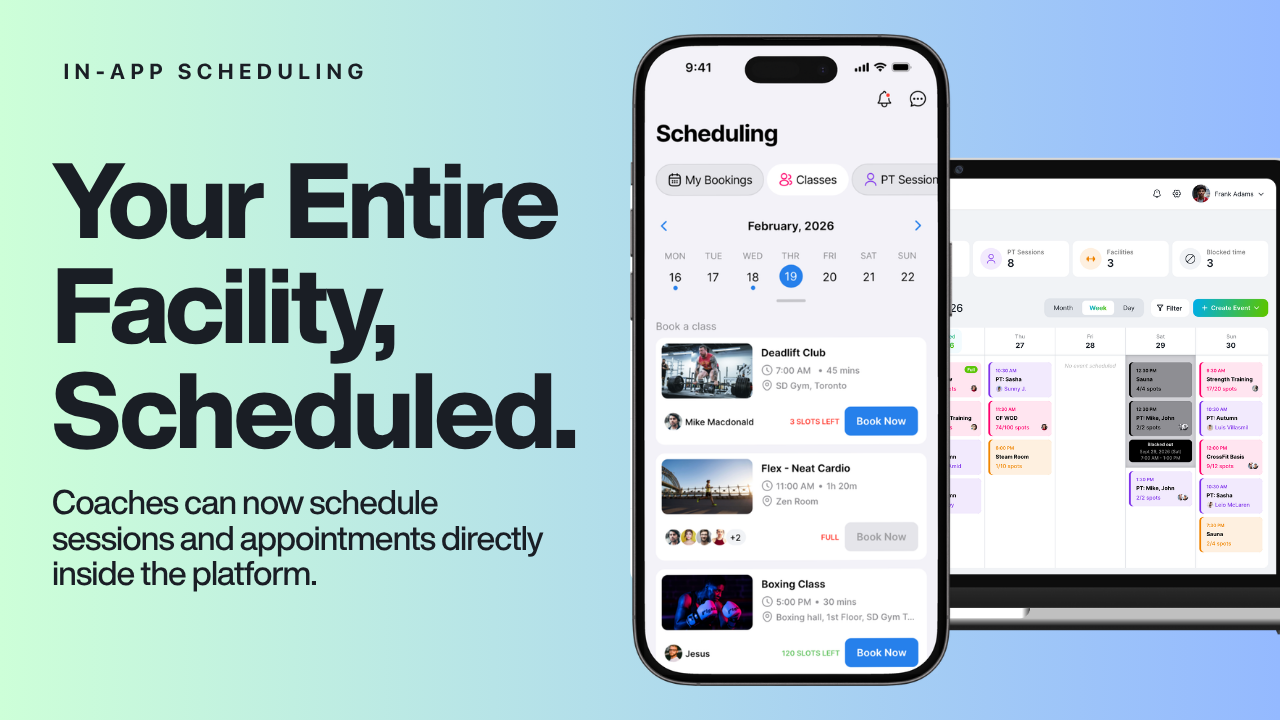
Coaches can now schedule sessions and appointments directly inside the platform, reducing the need for third-party scheduling tools. If you are using PRESS or PERFORM and are interested in a native in-app scheduling software, send us an email to be included in the beta.
📋Programming
Tempo
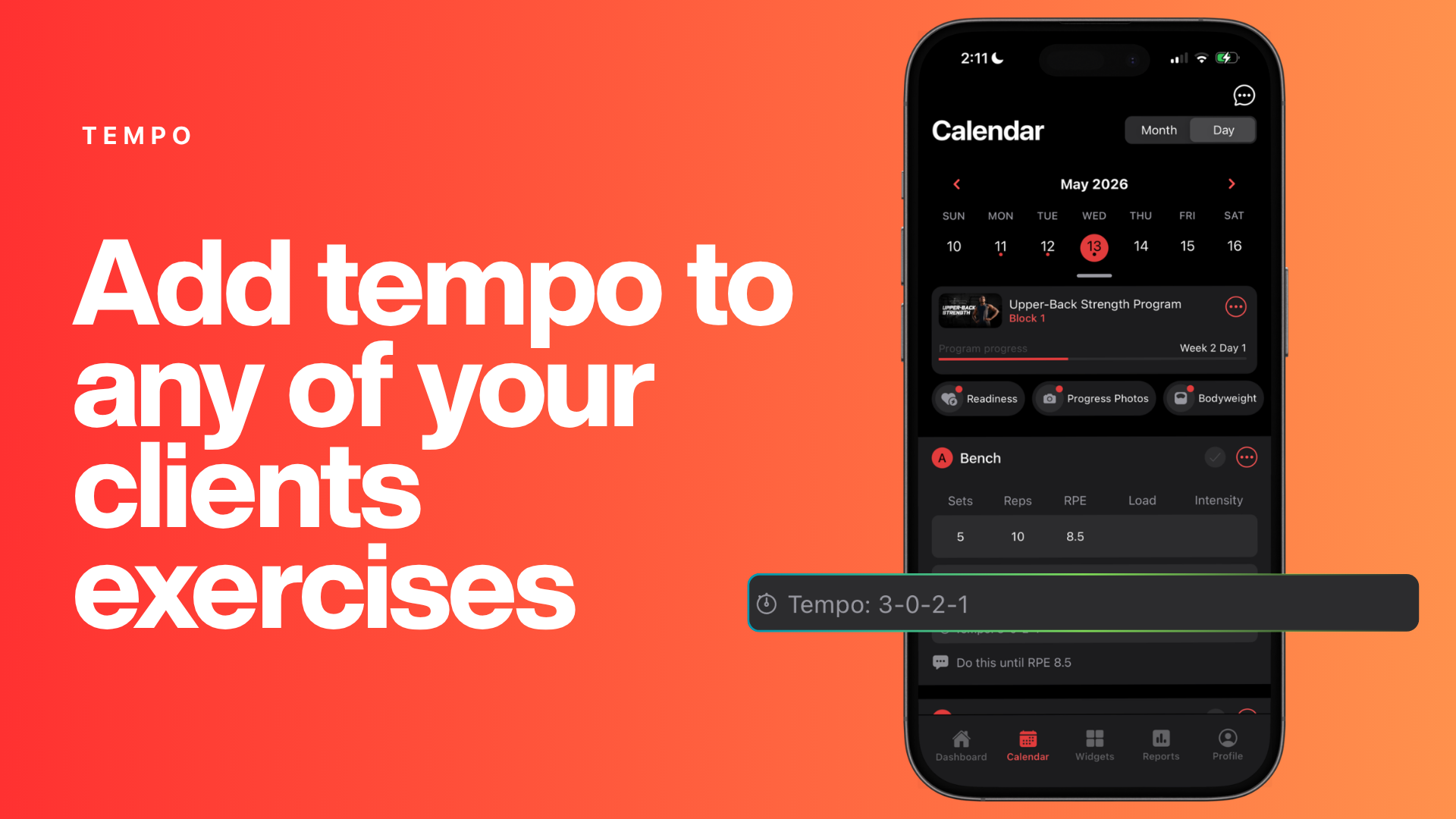
Coaches can now prescribe tempo for any exercise in the program builder, giving clients precise control over the speed of each phase of a rep — eccentric, pause, and concentric.
Reps Per Side
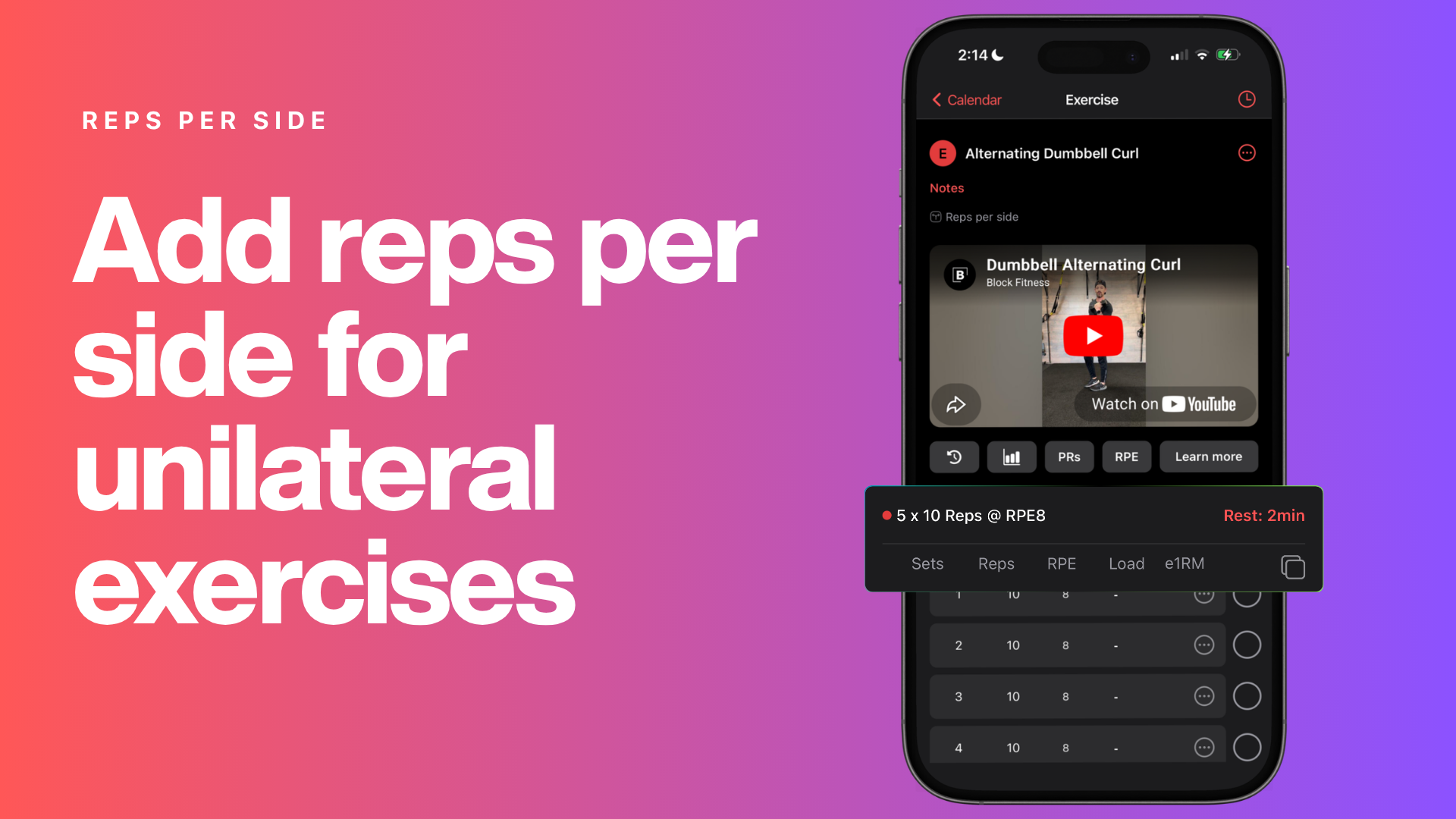
A new option in the program builder lets coaches prescribe reps per side for unilateral exercises, so clients log each limb individually rather than a combined total.
Drag & Drop Supersets
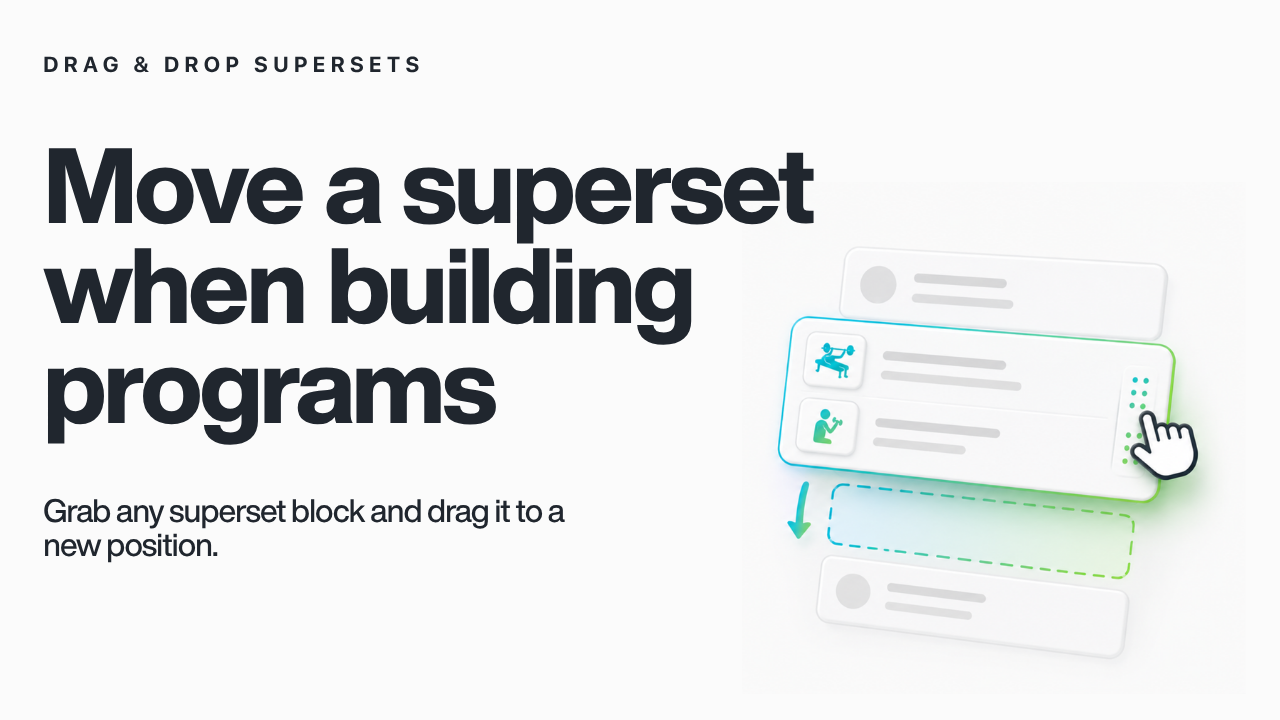
Move an entire superset at once when building programs. Grab any superset block and drag it to a new position — no need to rebuild the grouping from scratch.
Saved Workouts
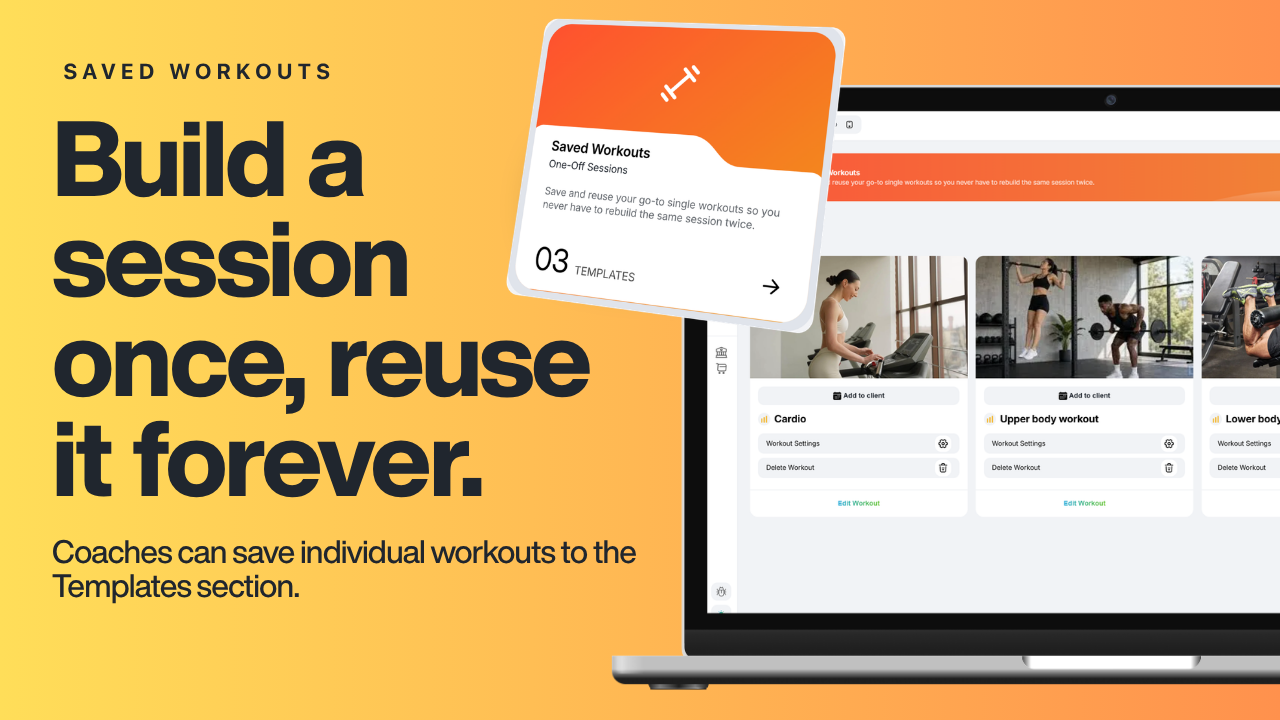
You can save individual workouts to the Templates section and pull them into any program at any time. You can also assign these to single clients or groups as a WOD style workout.
Workout Sections
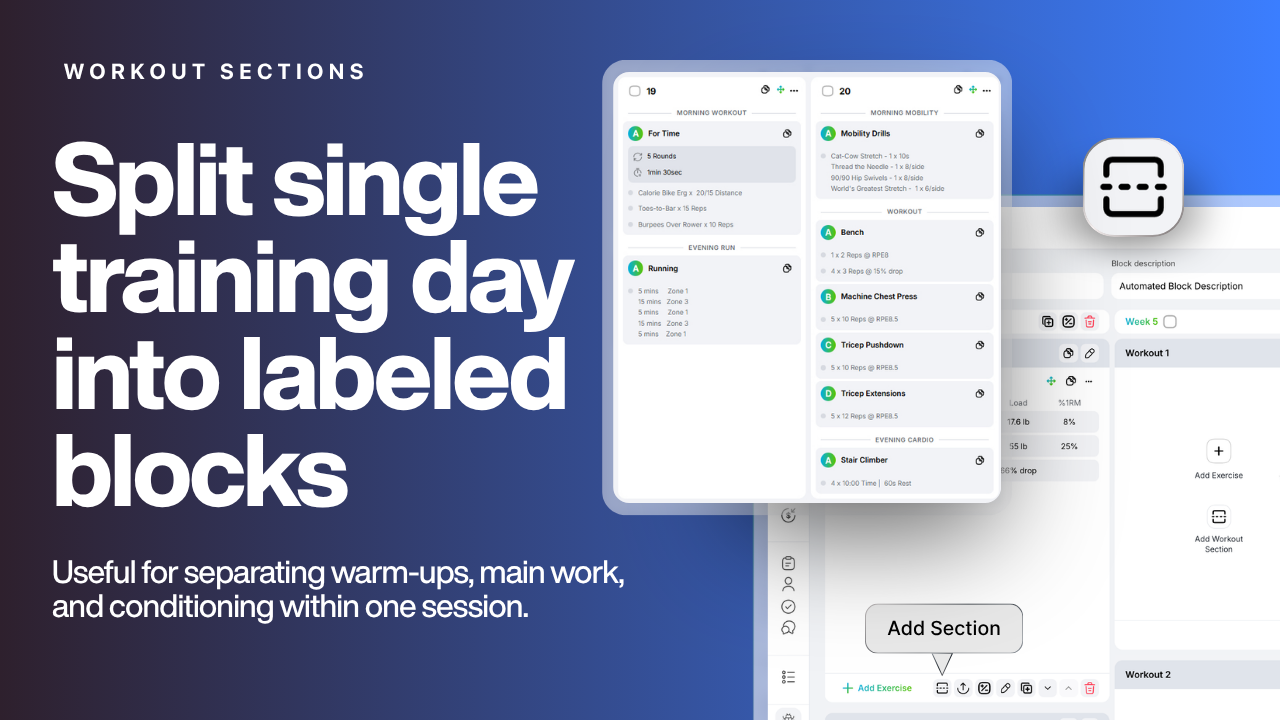
Split a single training day into multiple clearly labeled blocks, each with its own custom name.
Many coaches are using this to program multiple workouts in a single day.
Swap Exercise in Program Builder
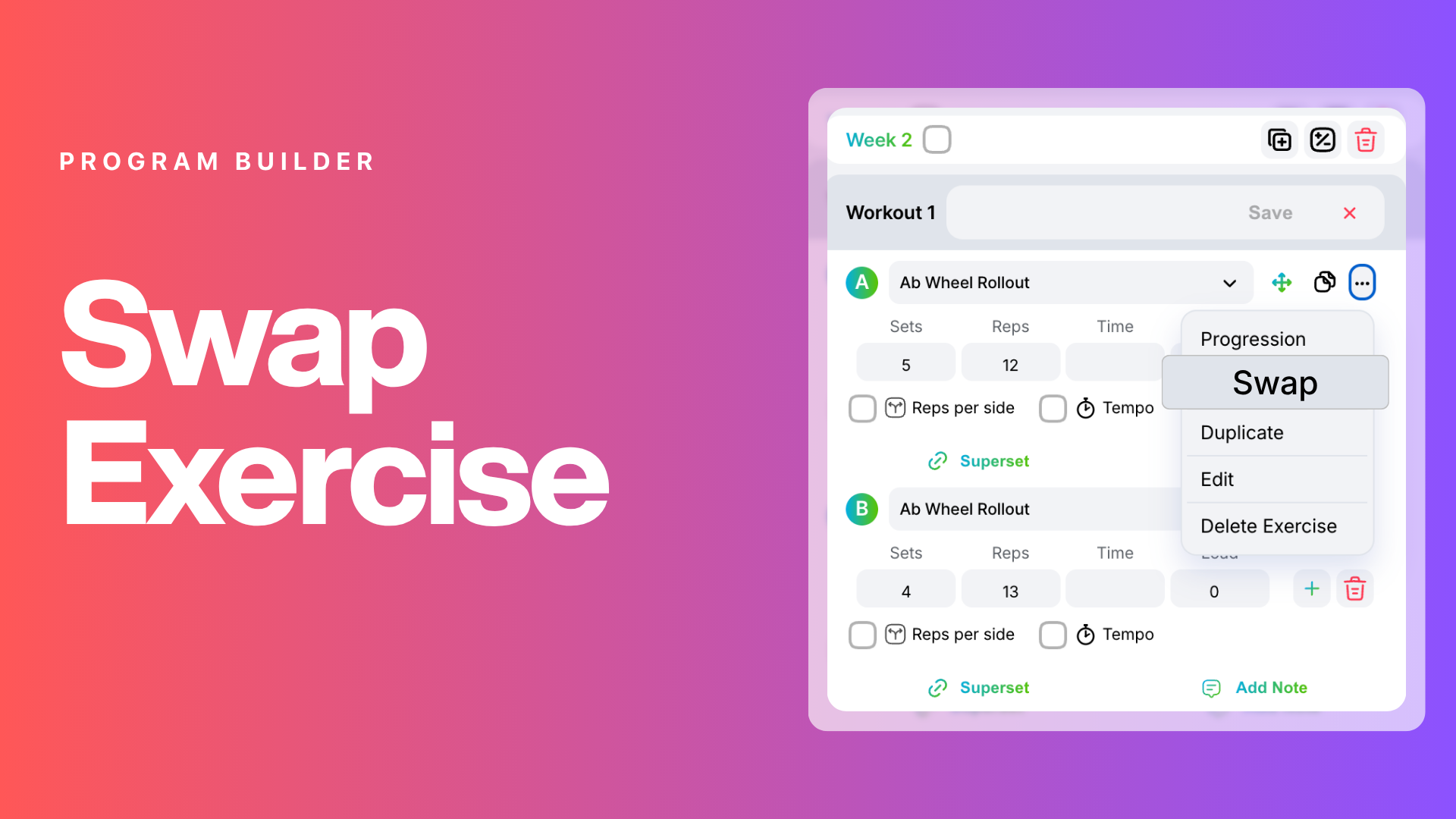
Replace every instance of an exercise across an entire training block in just a few clicks.
Program & Block Videos
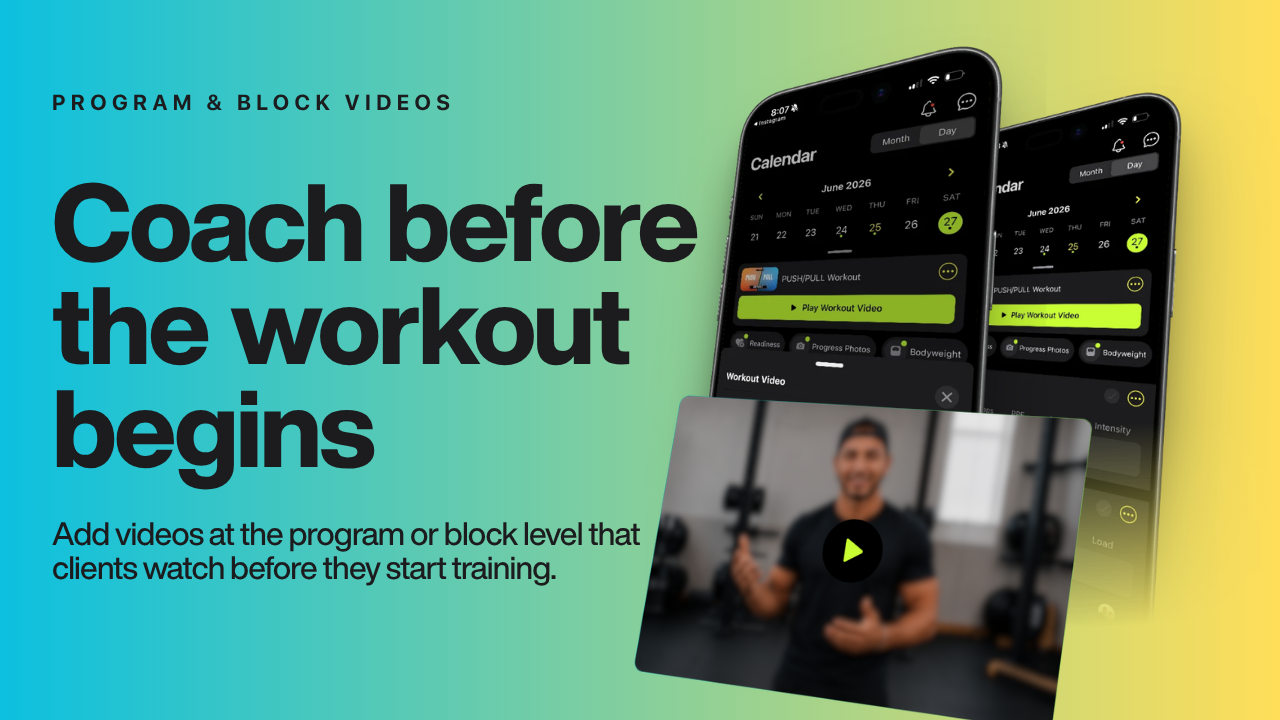
Great for providing context, form reminders, or motivational intros tied to a specific phase.
Add Videos on the Fly / View & Edit Exercise Details on the Fly
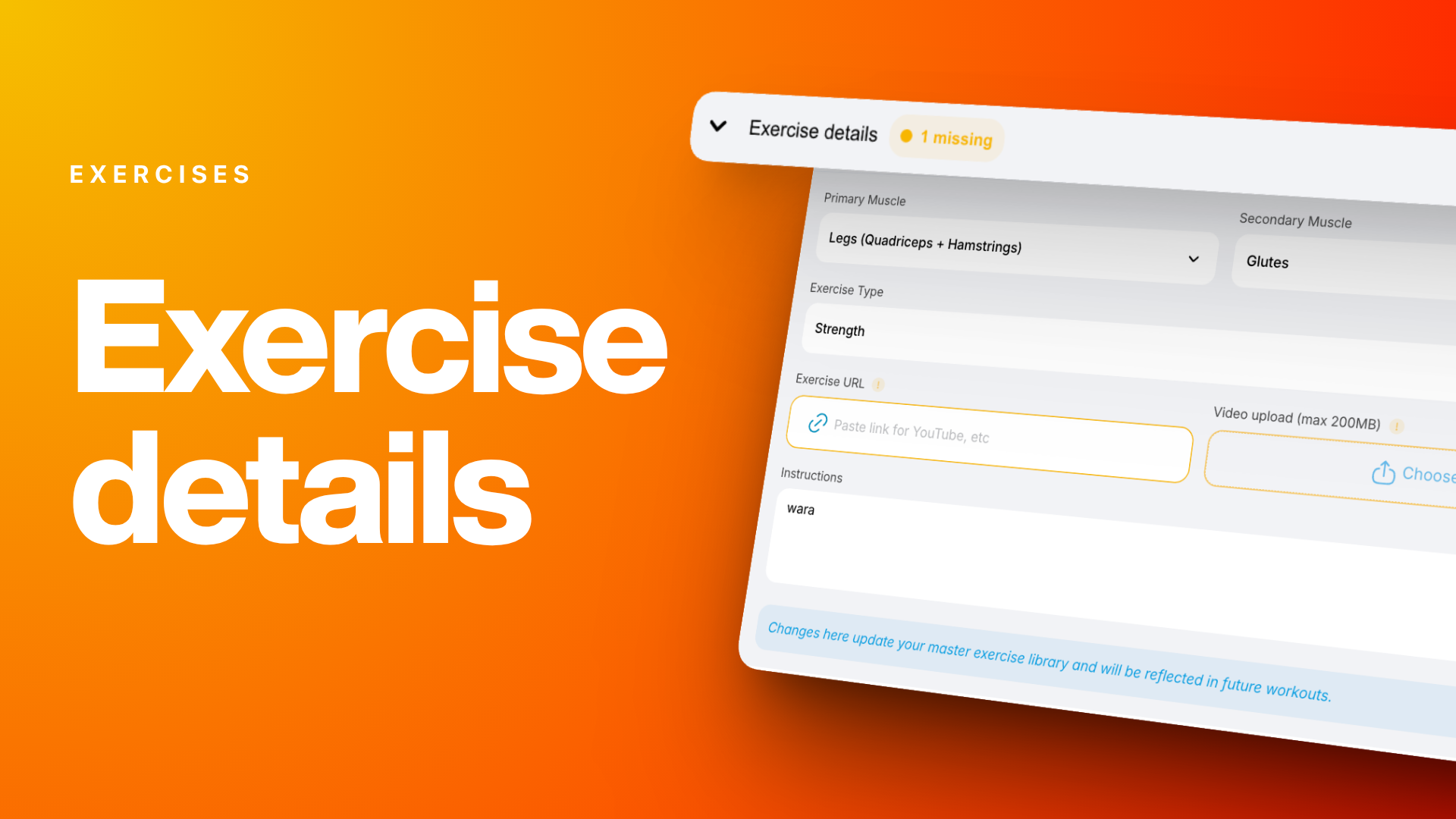
While building a program, coaches can now see at a glance when an exercise is missing metadata and fix it on the spot — no need to leave the program builder to update exercise details.
Team Programs for Coached Clients Only
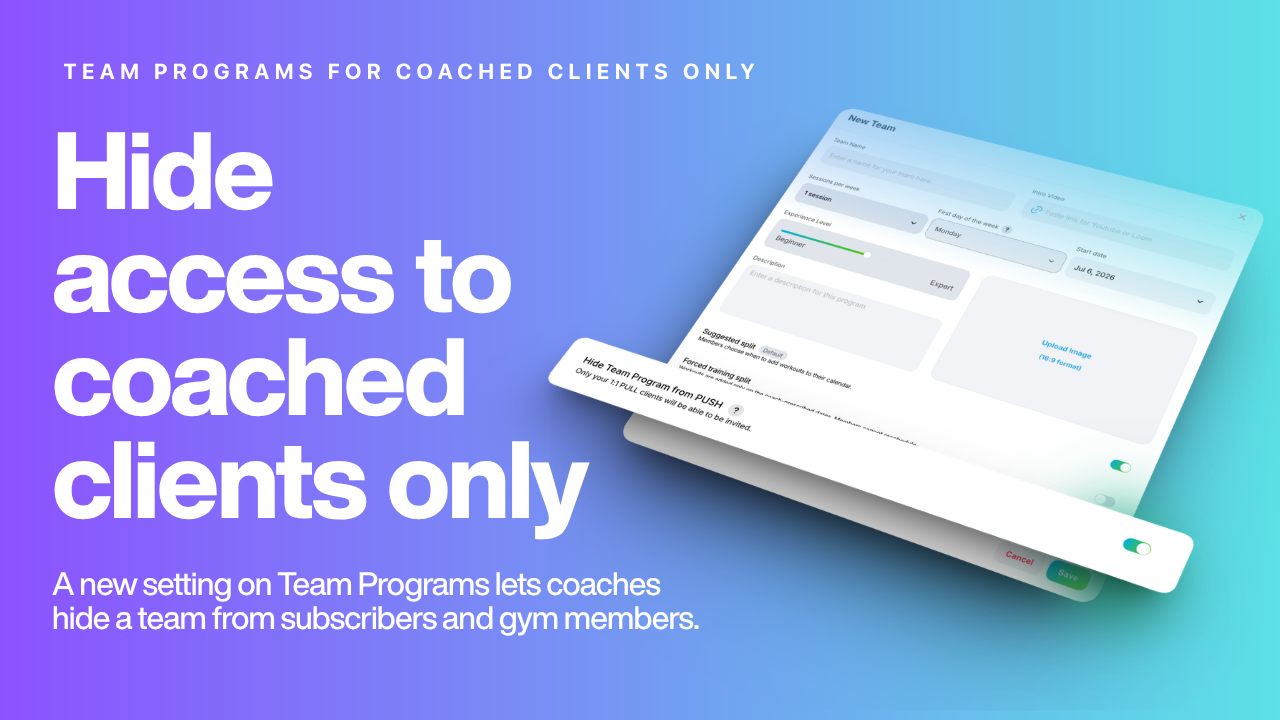
Restrict access to coached clients only — useful for keeping exclusive programming separate.
👤Client Management
Onboarding New Clients Just Got Faster
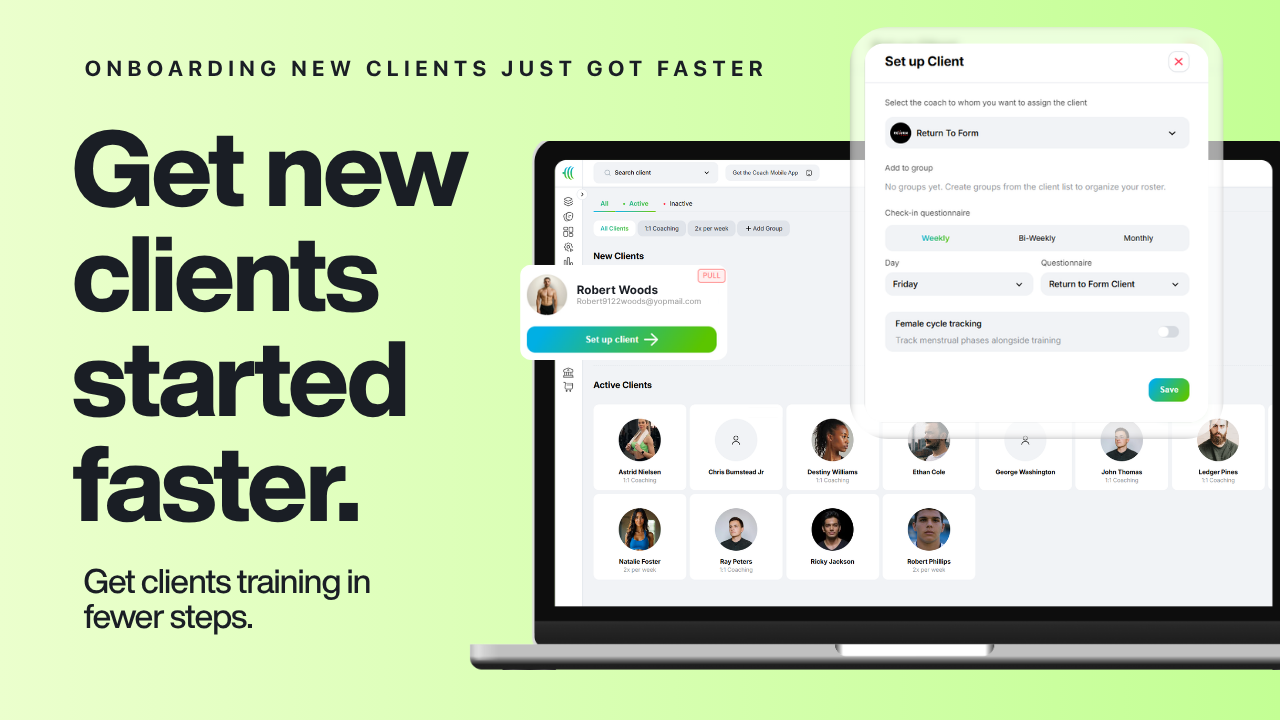
Setting up a new client used to mean clicking through multiple screens. The new streamlined onboarding flow gets clients set up and ready to train in far fewer steps.
Tracking Compliance — Last Logged in Client Overview
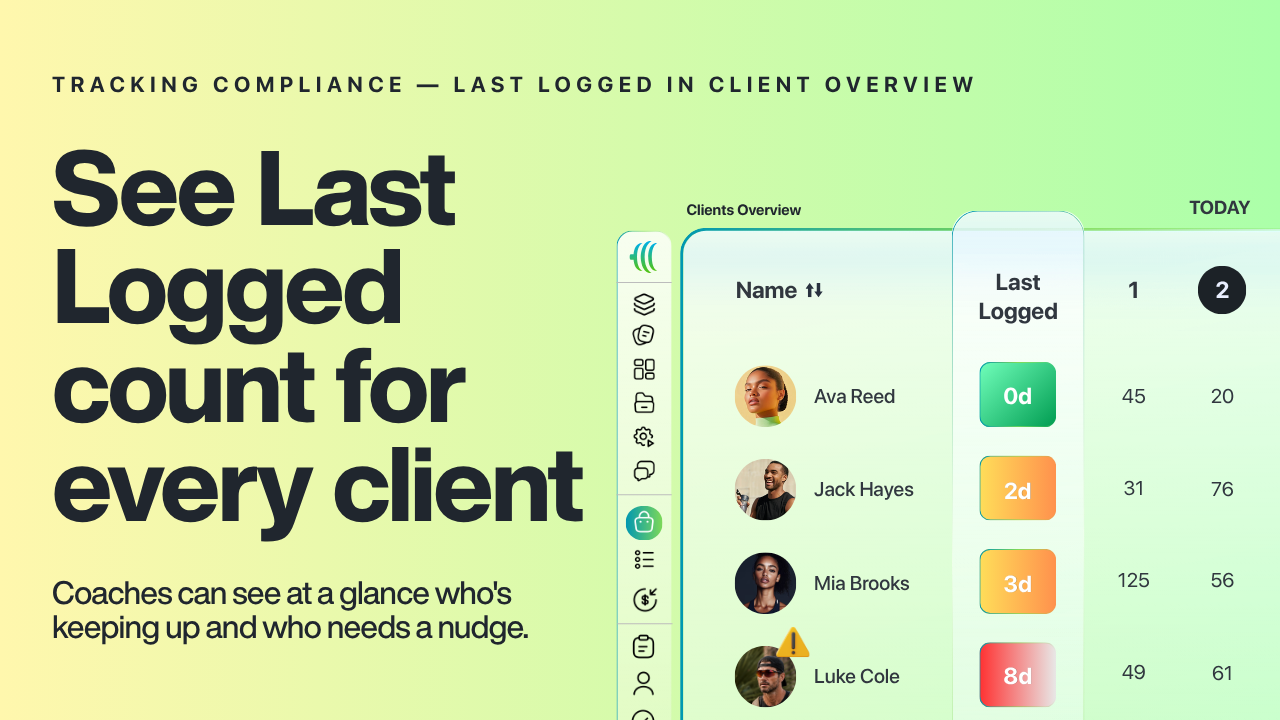
The Client Overview now shows a Last Logged count for every client on every metric, so coaches can see at a glance who's keeping up and who needs a nudge — no more digging through individual profiles.
Calendar Log View
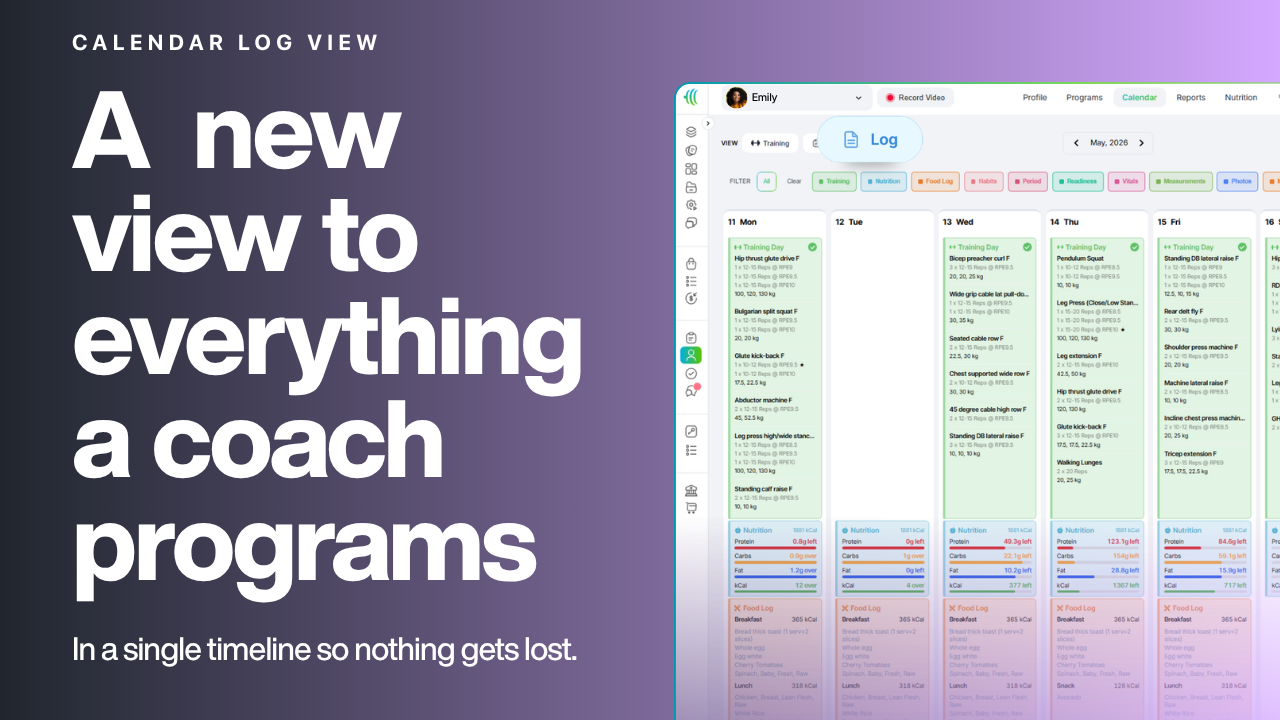
A new calendar view brings together everything a coach programs — training, nutrition, habits, check-ins, goals, cycle tracking, and meal plans — in a single timeline so nothing gets lost.
Calendar Plan View
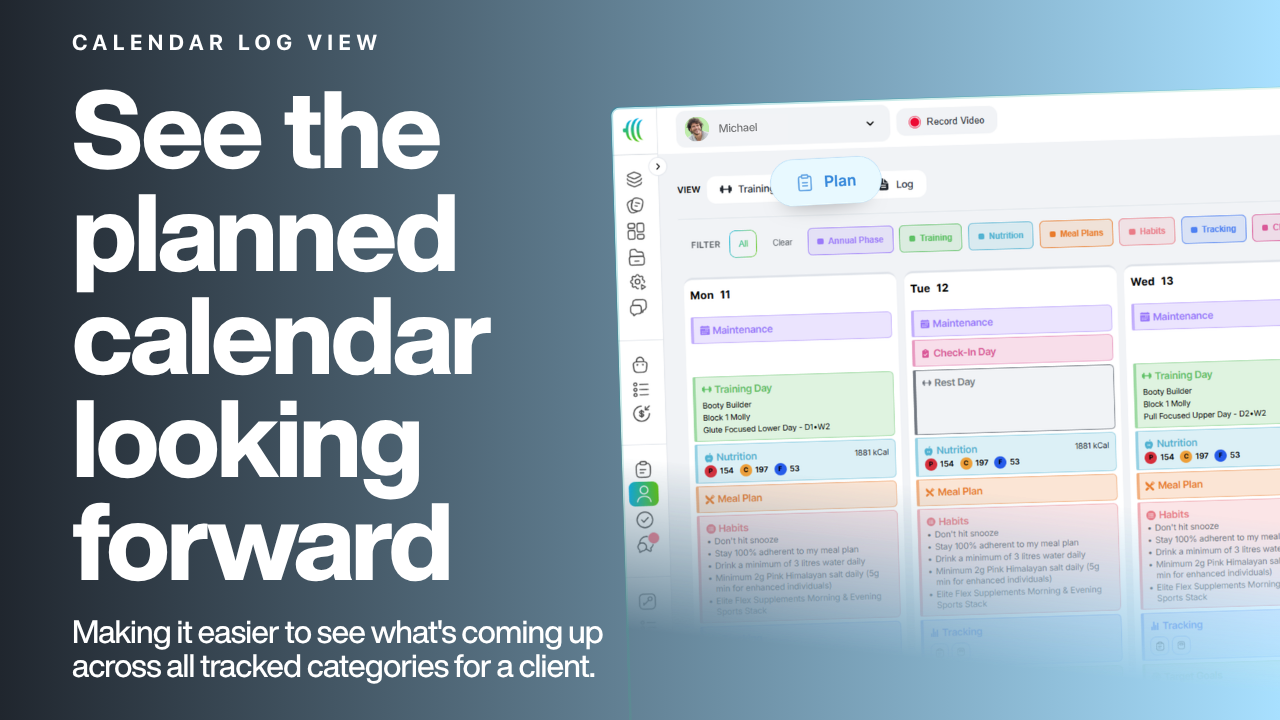
Alongside the log view, coaches can now see the planned calendar looking forward, making it easier to see what's coming up across all tracked categories for a client. This includes training, nutrition, meal plans, habits, upcoming events, predicted periods, daily tracking requirements and more.
Leaderboard + Custom Templates + All New Types
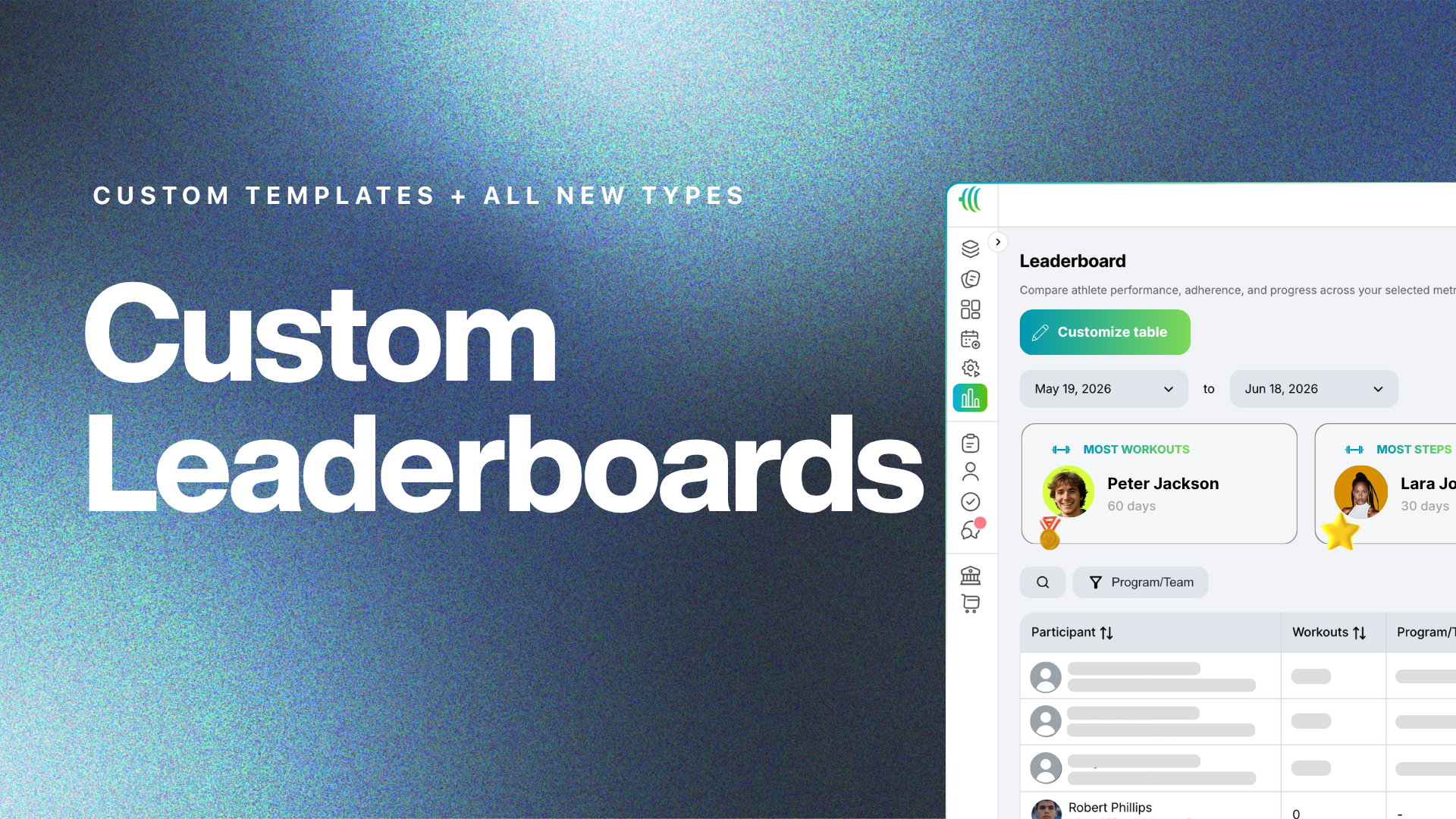
Create custom leaderboards to view all users of your app in a single table. Rank and sort members on any metric. Use this to run challenges, manage clients better or posting clients wins.
📱Workout Logging
Exercise Notes
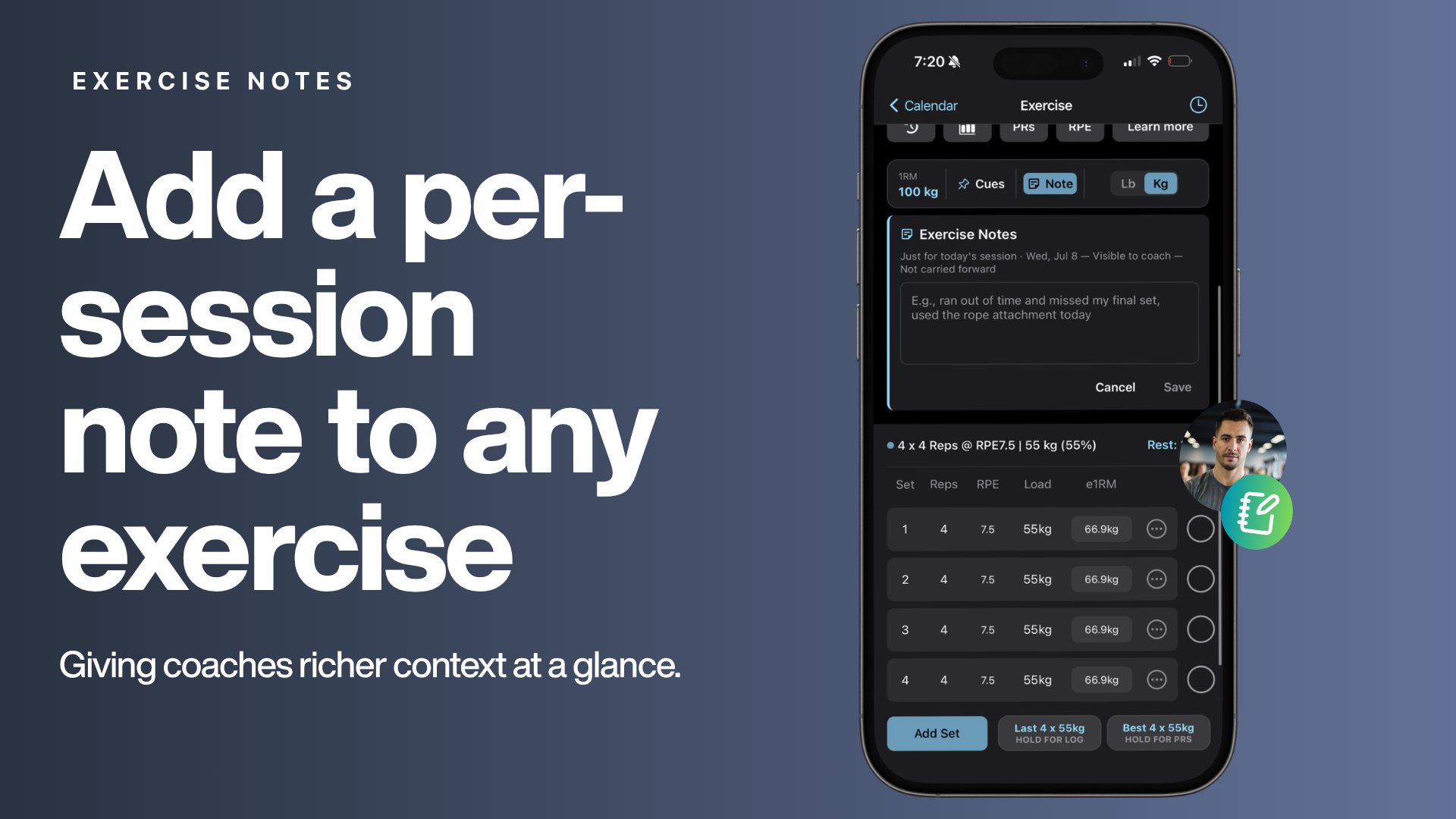
Clients can add a per-session note to any exercise to capture how it felt, what changed, or anything worth remembering for next time — giving coaches richer context at a glance.
Exercise Cues
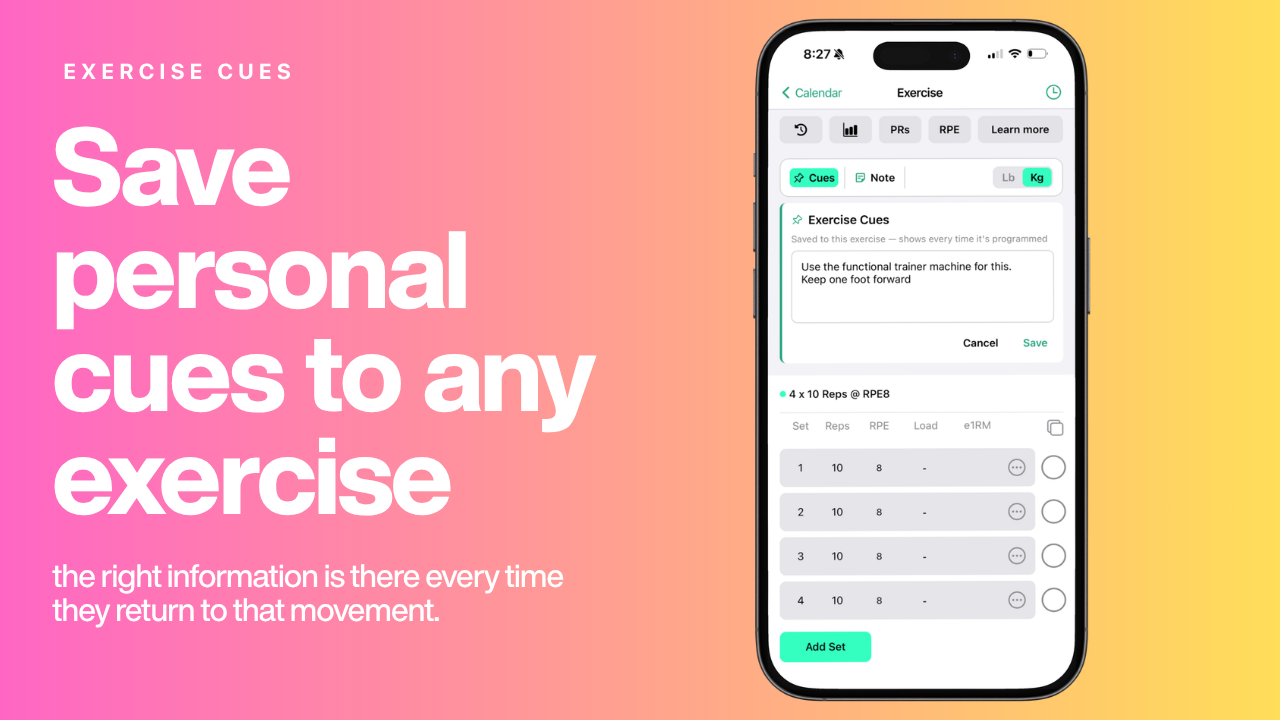
Clients can save personal cues to any exercise — lifting reminders, machine settings, setup details — so the right information is there every time they return to that movement.
Log in KG or LBS, Per Exercise
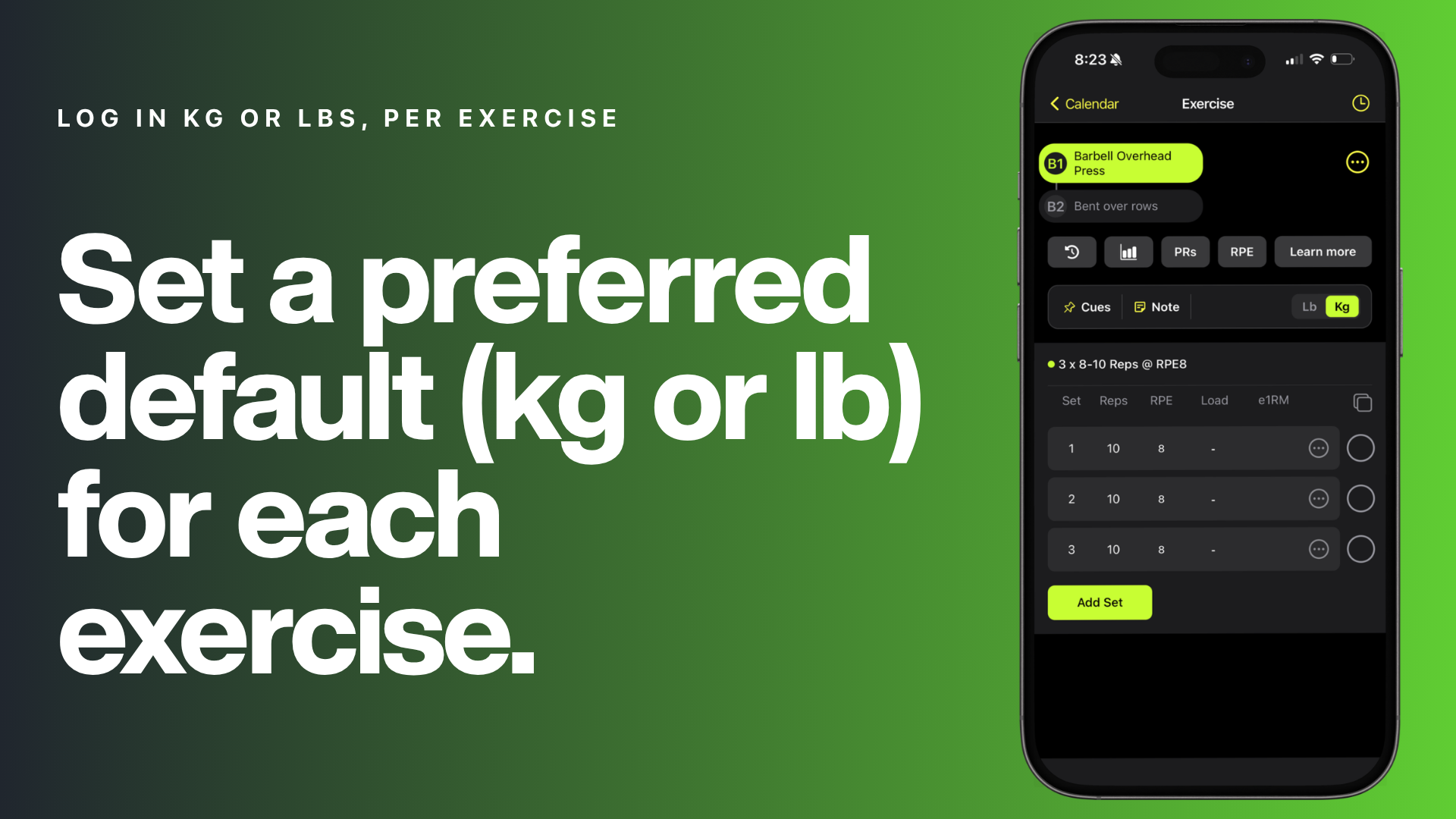
Clients can switch between kg and lbs on a per-exercise basis and set their preferred default for each exercise. This comes in handy when a gym has both kg and lbs weights/machines.
Personal Record Indicator
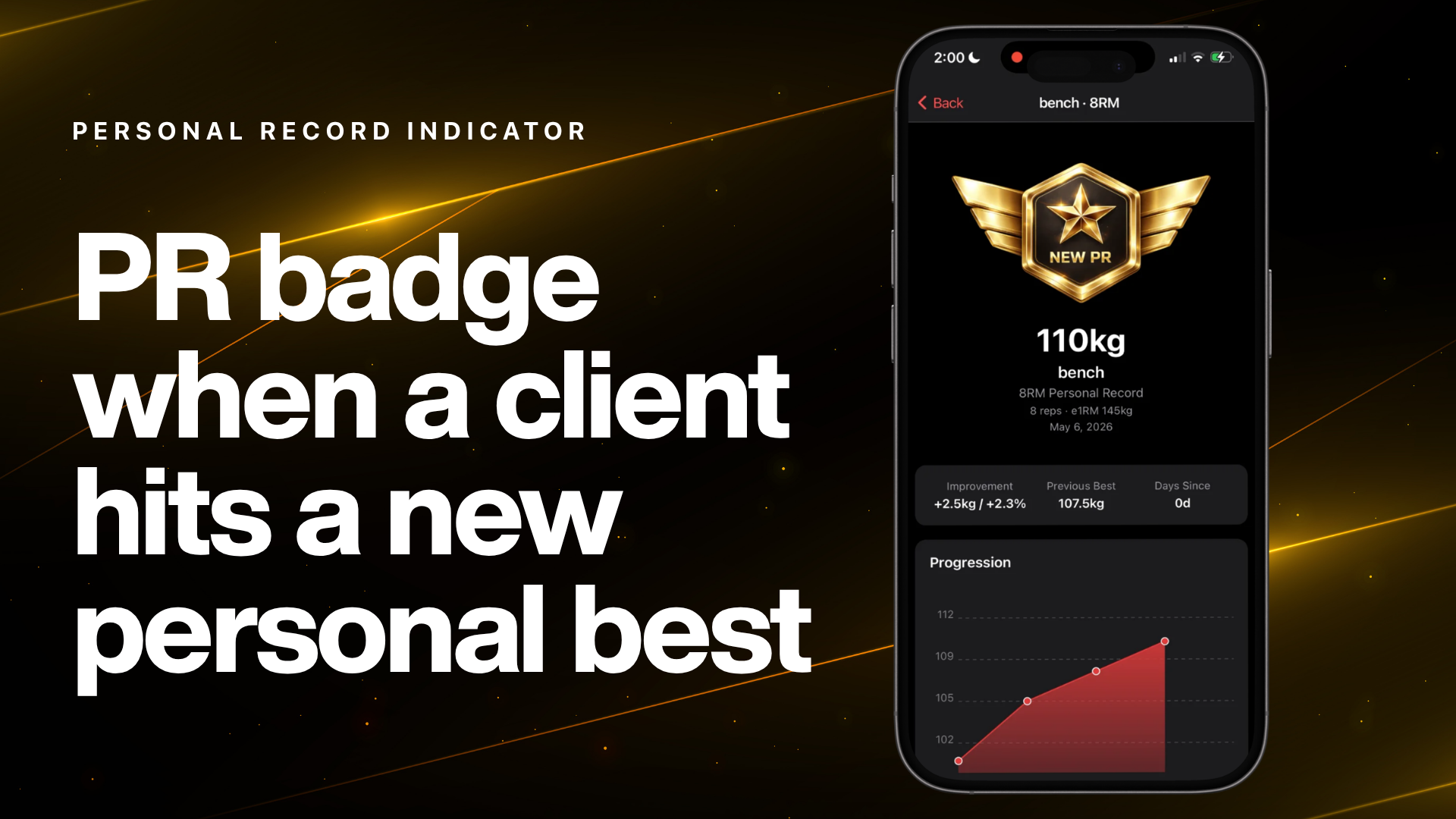
A PR badge appears in the workout log the moment a client hits a new personal best — highest weight lifted for a given rep range — celebrating the achievement in real time.
Quick View: Last Session & Personal Records
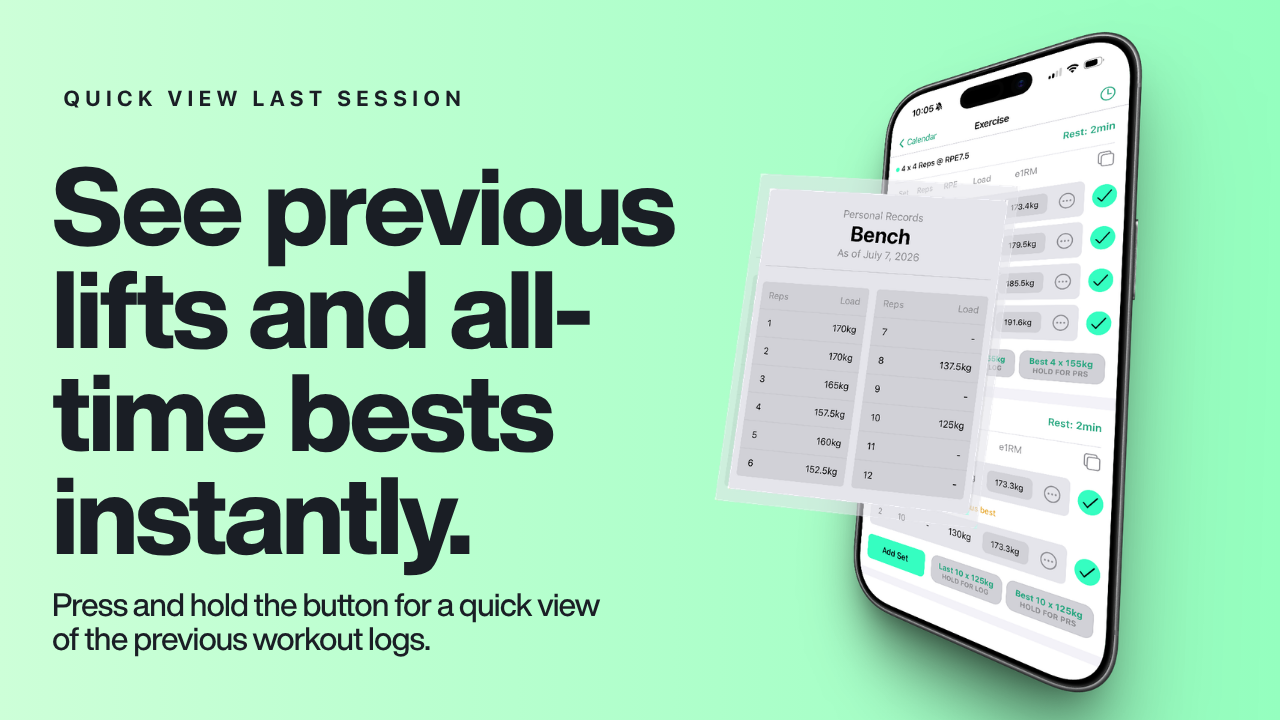
Two new buttons in the workout log — Last and Best — let clients instantly see what they lifted in their previous session or their all-time best, right before they log a set. Press and hold the button for a quick view of the previous workout logs.
Log From Any Report Page on Mobile
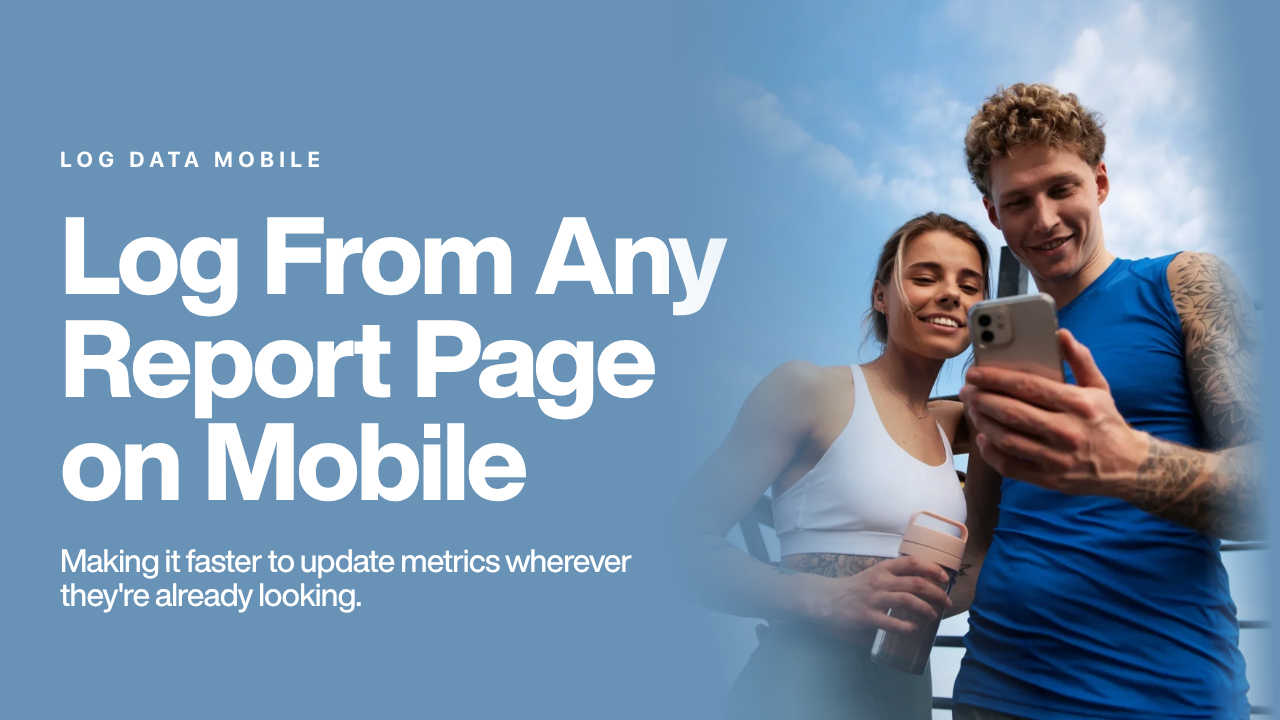
Clients can now log data directly from any report page in the mobile app — not just the daily dashboard and calendar — making it faster to update metrics wherever they're already looking.
📊 Health & Body Tracking
Track Resting Heart Rate
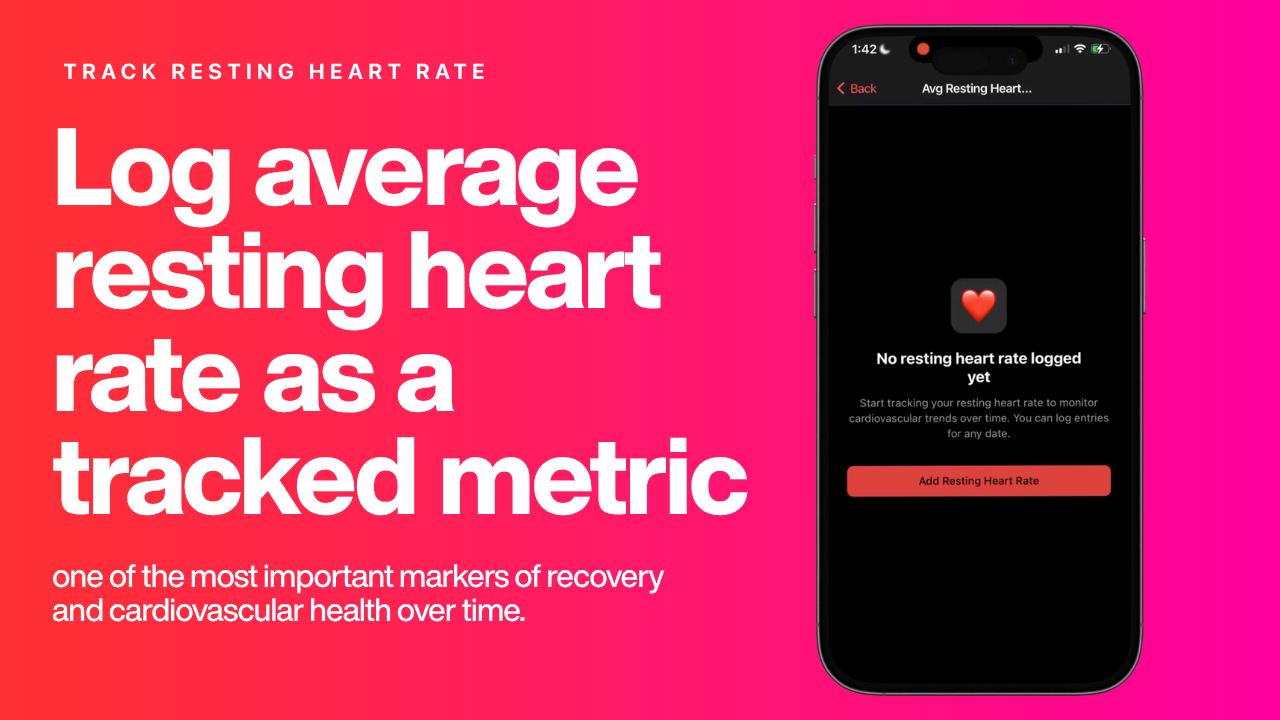
Clients can log their average resting heart rate as a tracked metric — one of the most important markers of recovery and cardiovascular health over time. This is also supported by many of our existing integrations.
Track Body Fat %
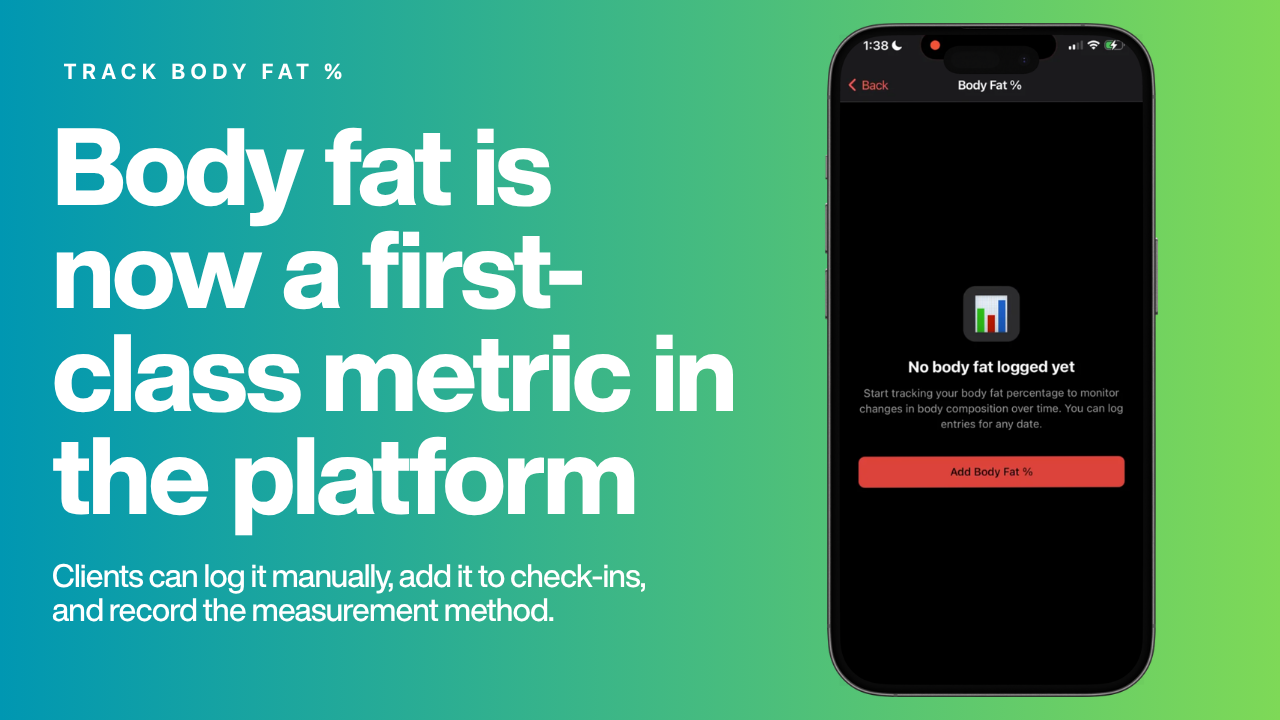
Body fat is now a first-class metric in the platform. Clients can log it manually, add it to check-ins, and record the measurement method (e.g., calipers, DEXA, scale).
Progress Photo Check-in Enhancements
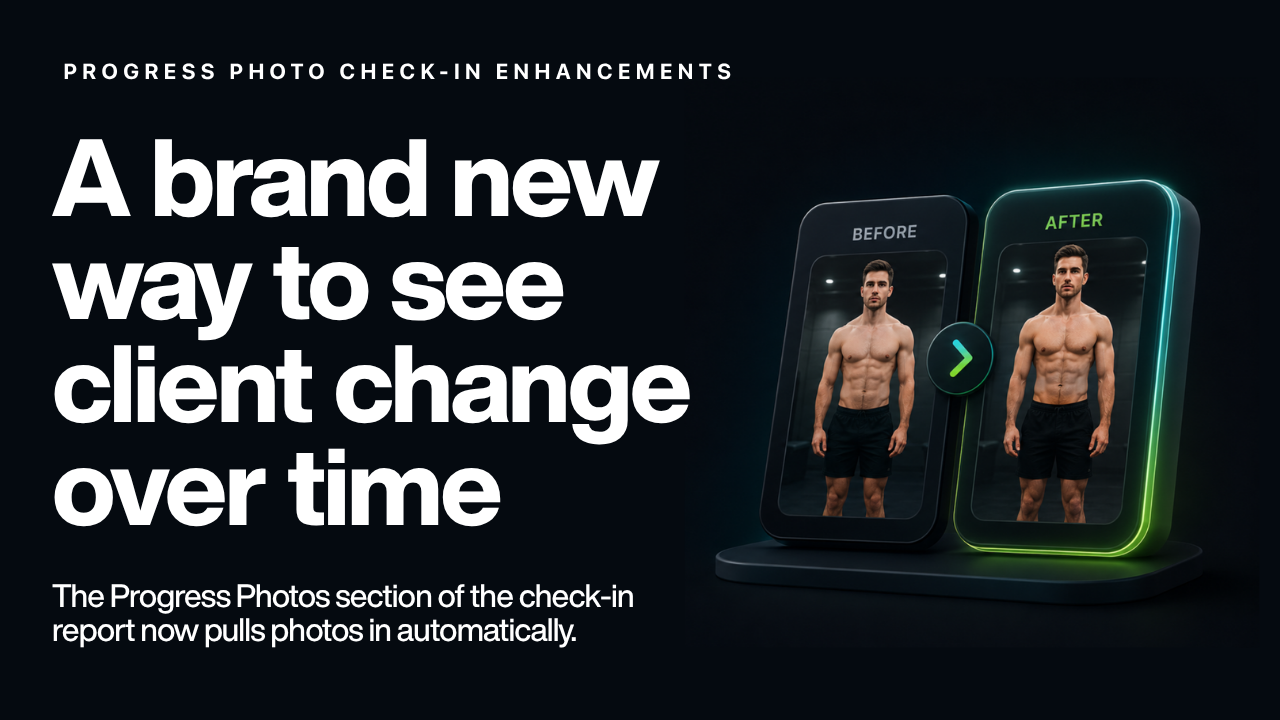
A completely rebuilt way to see client change over time. The Progress Photos section of the check-in report now pulls photos in automatically, making it easier to review and compare over the course of a program.
💬 Community & Communication
Community Chat Available on PULL (1:1 Coaching)
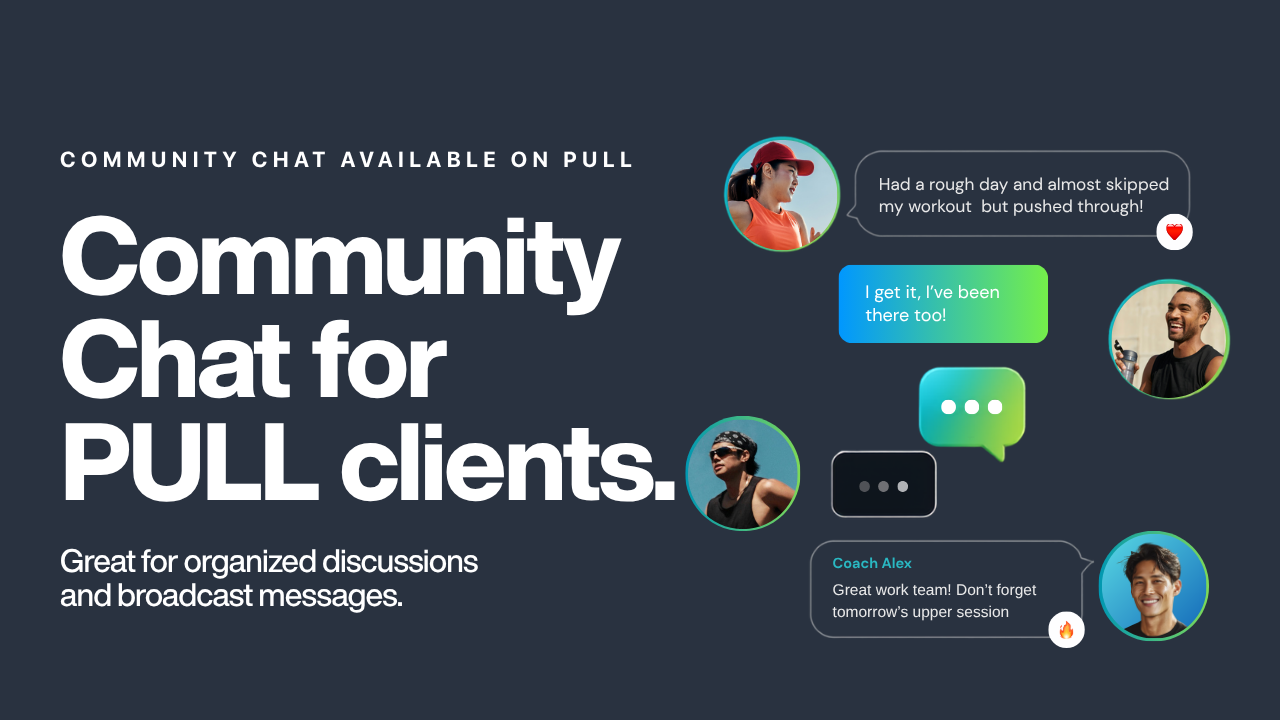
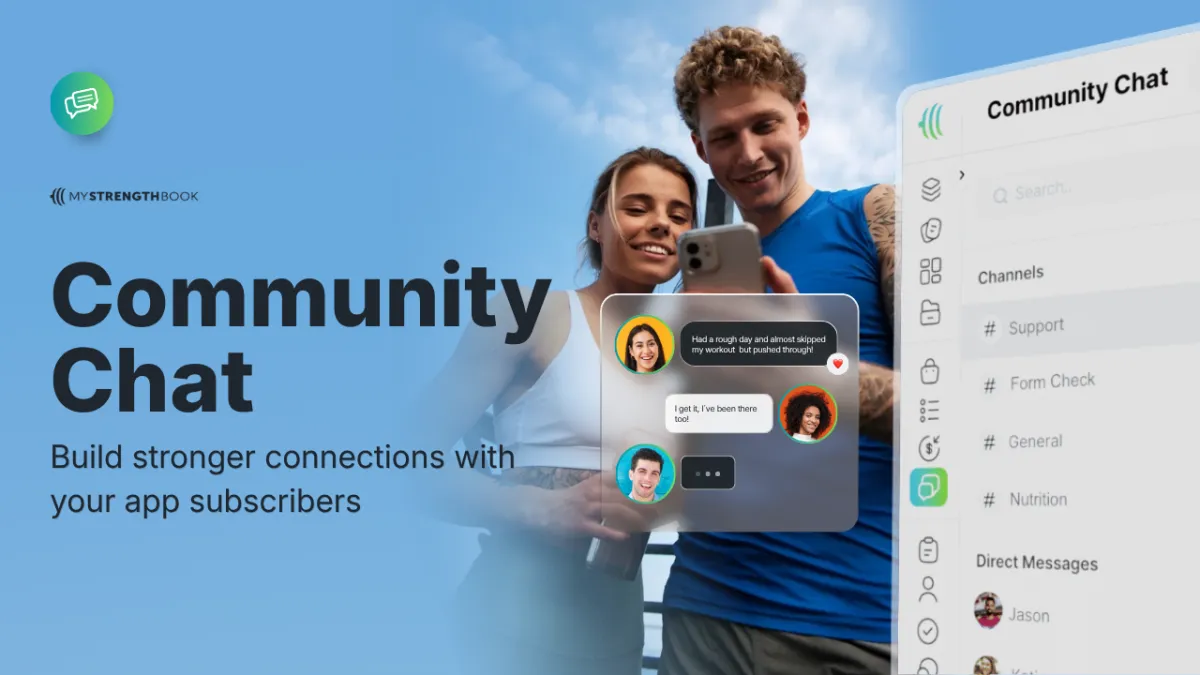
Coaches can now enable Community Chat for their PULL clients, creating shared channels where clients can connect, support each other, and stay engaged beyond 1:1 coaching. Great for organized discussions and broadcast messages.
Turn this on by going to Settings > Preferences > Community Chat.
Broadcast Channels
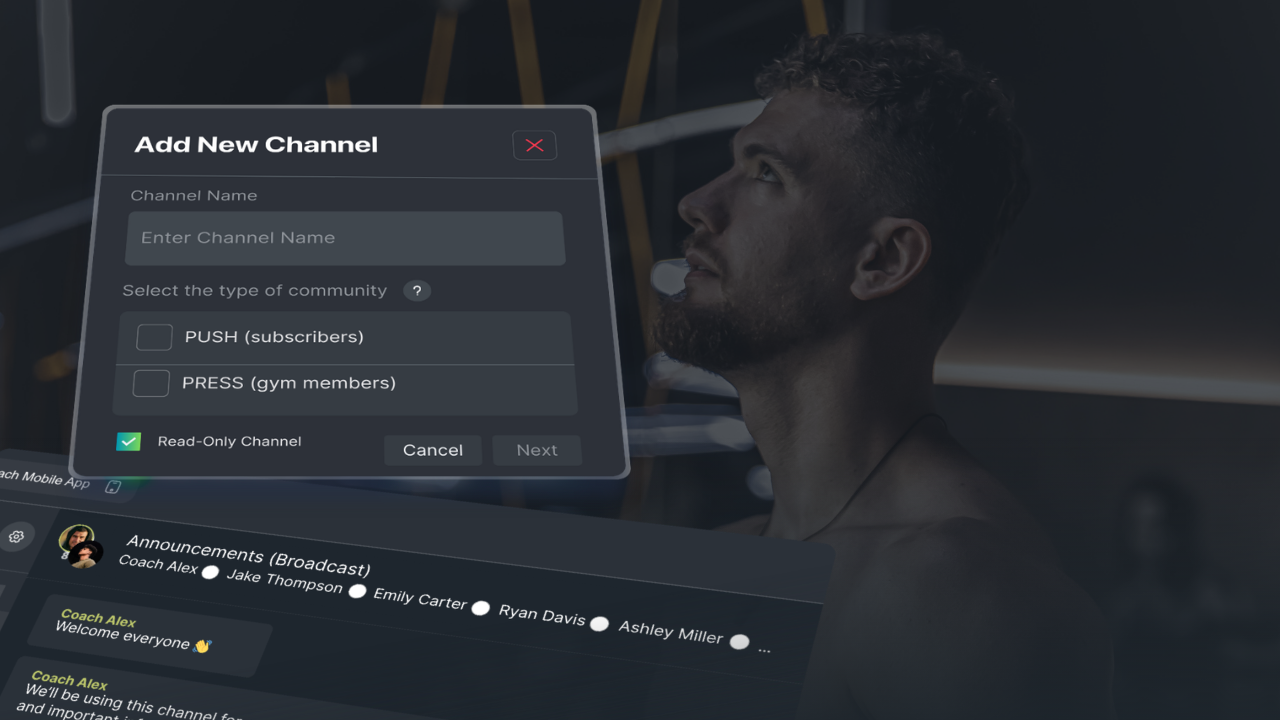
Coaches can send one-way announcements to all clients or specific groups through broadcast channels, without opening up a full two-way group conversation.
Auto-Managed Group Chats
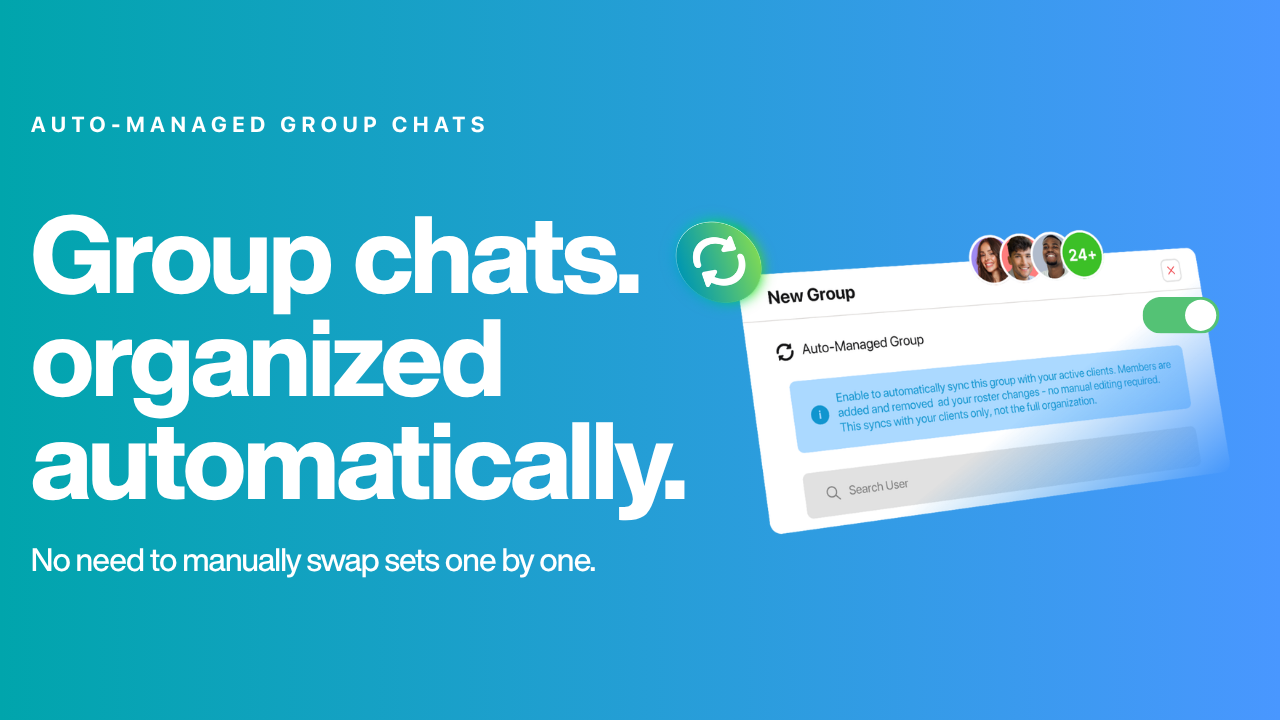
Group chats stay organized automatically — new active clients are added and inactive clients are removed without any manual management from the coach.
Photo & Video Comments
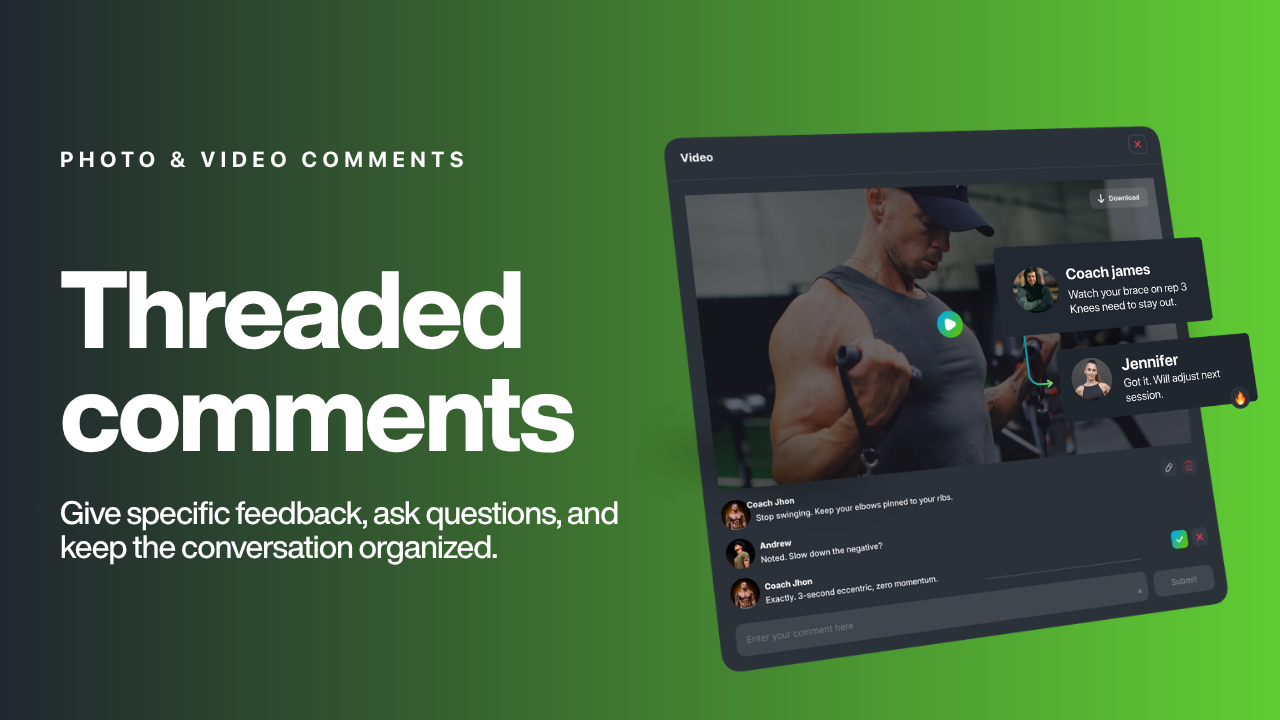
Add comment threads directly to any client photo or video to give specific feedback, ask questions, or have back-and-forth conversations tied to a specific piece of content.
🔗 Integrations
Garmin Direct Integration
Sync a Garmin watch directly to the training app. Steps, sleep, HRV, RHR and bodyweight flow straight from the wrist to the client's profile — no manual entry needed.
Auto-Invite New Clients with Zapier
Stop manually adding clients to PULL. The Zapier integration connects MyStrengthBook to 6,000+ apps, so new clients can be automatically invited the moment they sign up elsewhere.
MyFitnessPal Direct + Food Logs (Private BETA)
A direct integration with MyFitnessPal lets clients sync their food logs into the platform, giving coaches visibility into nutrition alongside training data. No more integrating via Apple Health or Health Connect.
We will be opening up the beta very soon. Keep an eye on our social media for more details, or email info@mystrengthbook.com
📲 Mobile & Platform
Improved Offline Mode on Mobile
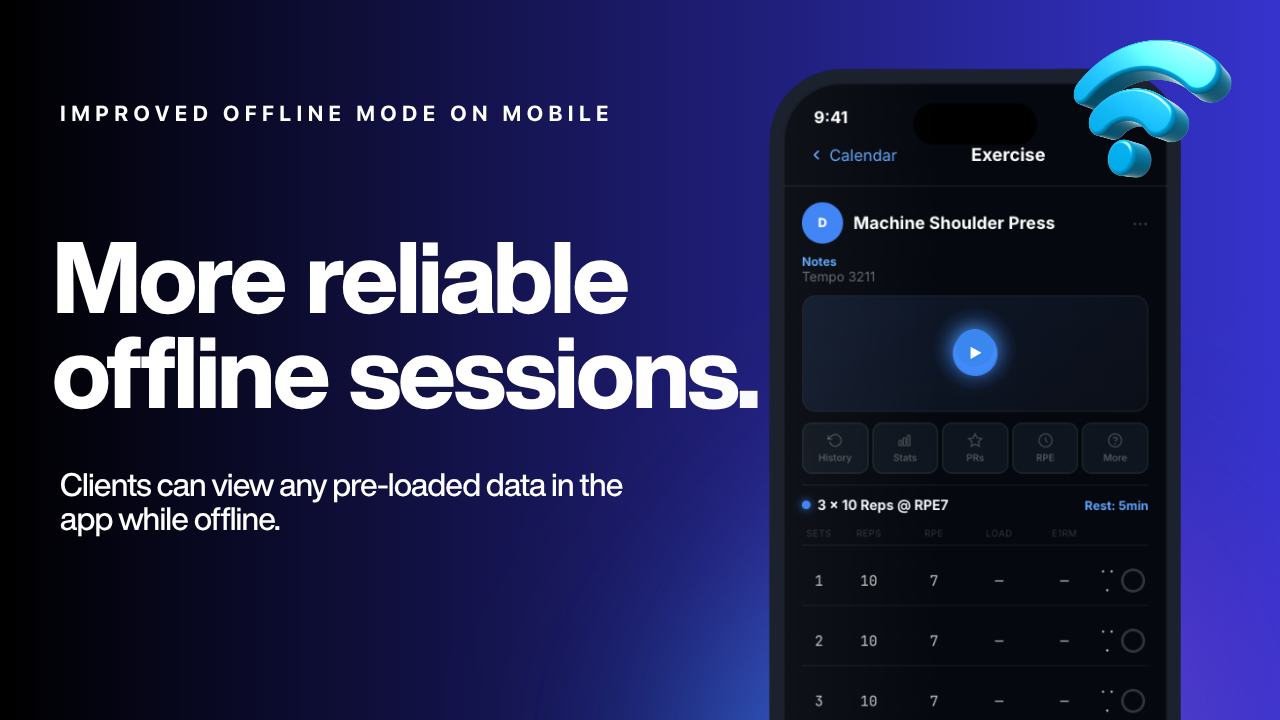
The mobile app now handles offline sessions more reliably. Clients can view any pre-loaded data in the app while offline. The app will also display a message to the user when there is no network connection so they can know when they need to connect to wifi to load new data to the app.
Streamlined Video Player Navigation
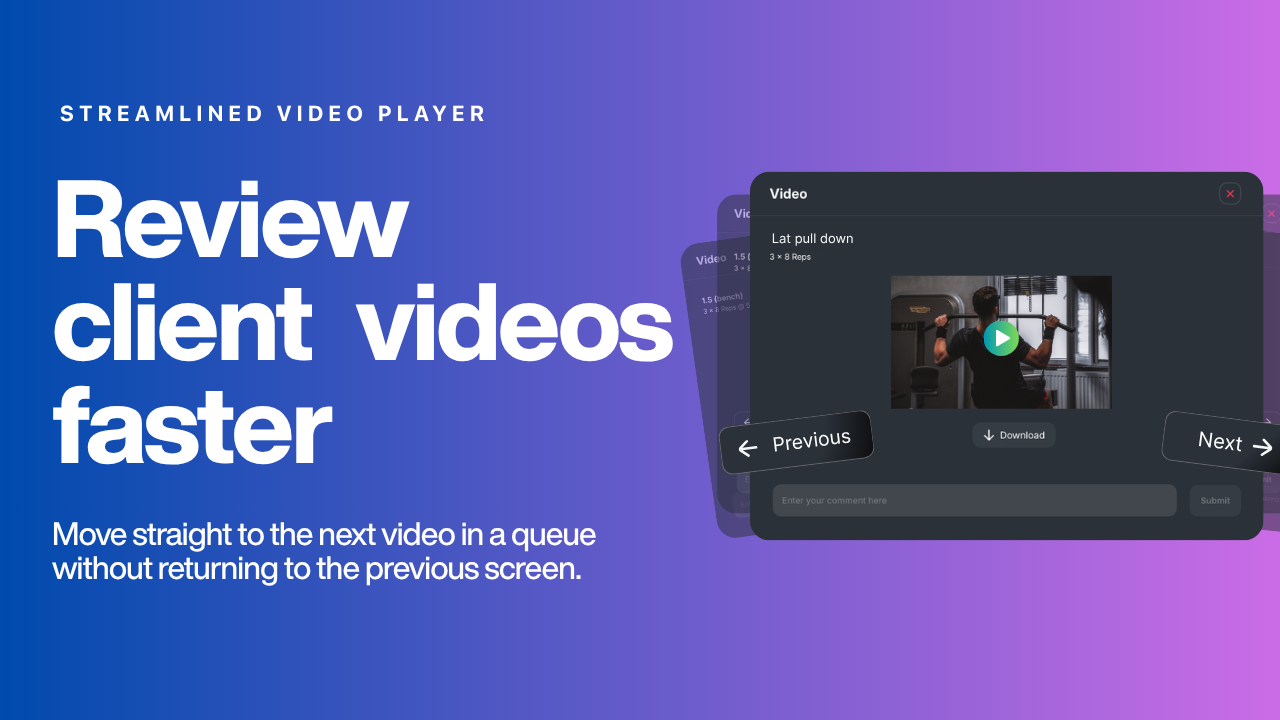
Reviewing client training videos is now faster. New navigation controls let coaches move straight to the next video in a queue without returning to the previous screen.
Spanish on Web App
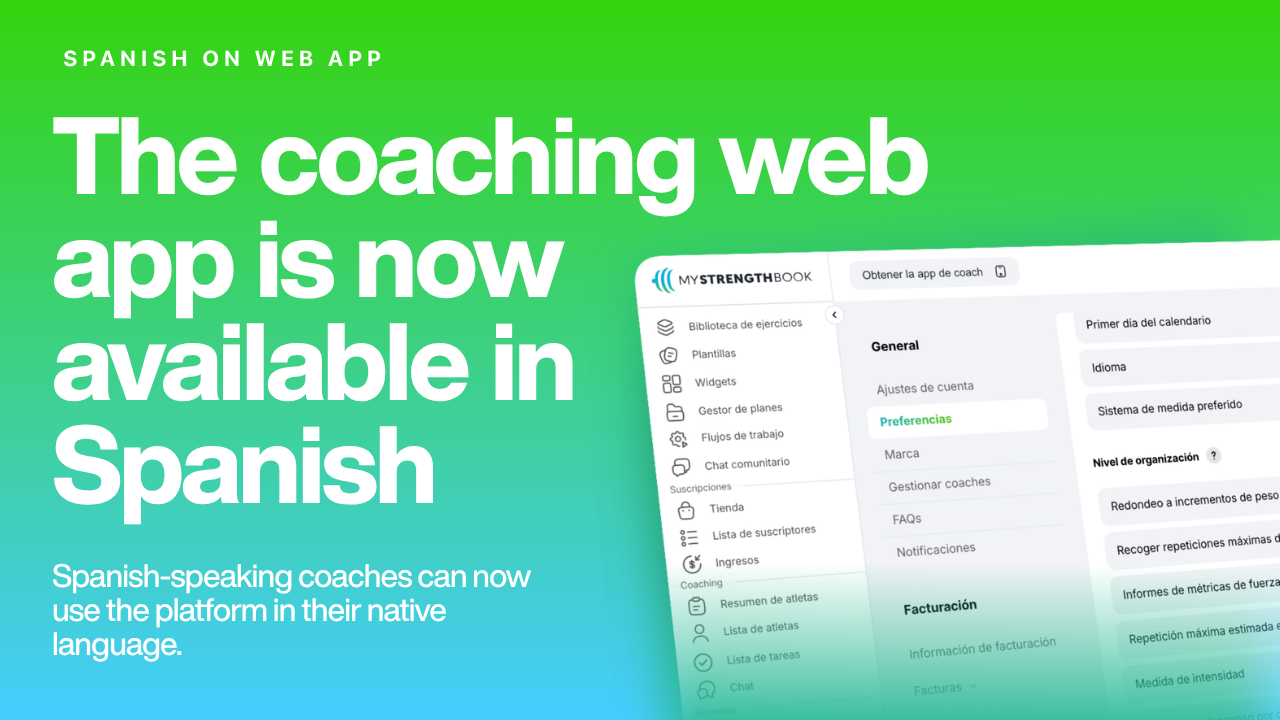
The coaching web app is now available in Spanish, making it easier for Spanish-speaking coaches to use the platform in their native language.


No email required
More from the blog

Your coaching deserves a smarter engine
Program, track, and analyze every client across training, nutrition, lifestyle, and education. Less admin, more coaching
Explore PULL ›