
How female cycle tracking works in PULL
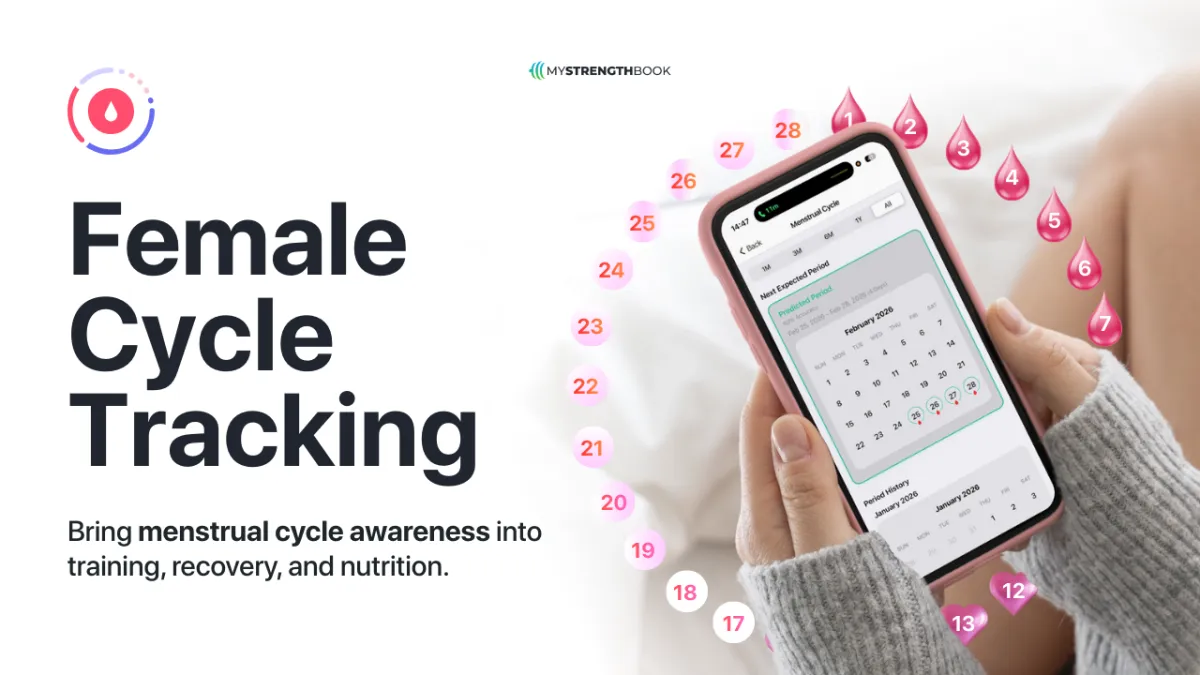
Menstrual Cycle Tracking is an optional feature for 1:1 coaching that allows female clients to log their menstrual cycle directly in the app.
Coaches can view both historical data and predicted periods to better plan training, recovery, and nutrition.
⭐️ This feature is enabled per client and is not turned on by default.
What This Feature Does
When enabled, Menstrual Cycle Tracking allows:

How Coaches Enable the Feature
Coach Web App
Open a client profile
Navigate to Profile → Tasks
Enable Menstrual Cycle Tracking

Once enabled:
The client is notified
Cycle tracking becomes available across the mobile app and coach web app
ℹ️ This feature only appears for clients the coach explicitly enables it for.

Client Experience (Mobile App)
Initial Setup
When Menstrual Cycle Tracking is enabled, the client is prompted to enter:
Most recent period start date
Average cycle length
Average period length
This information is used to generate predicted upcoming periods.

Logging a Period
Clients can log and manage their cycle in two ways:
Daily Dashboard
A new “Start Tracking Cycle” button appears on the daily dashboard
Clients can:
Log a period
Extend or reduce it to reflect the true length
Edit period details at any time

Check-Ins
If a client was on their period during a check-in window:
They are prompted to review and confirm it
Symptoms can be logged
This helps maintain accurate tracking and compliance over time
Editing Past Entries
Clients can edit past period entries at any time
Changes update historical data and future predictions automatically
Coach Experience (Web App)
Check-In Summary
Period data appears directly inside the check-in summary
Coaches can see:
Whether the client was on their period
Logged symptoms (if provided)

Menstrual Cycle Tracking Report
For each enabled client, coaches get a dedicated report showing:
Logged period history
Predicted upcoming periods
Symptoms and flow data when available
This report helps coaches:
Plan deloads and intensity changes
Adjust nutrition strategies
Anticipate recovery needs

Training Calendar Indicators
The training calendar displays:
Logged periods
Predicted upcoming periods
Indicators only appear for clients with Menstrual Cycle Tracking enabled
This allows coaches to view cycle context directly alongside training blocks.
Privacy & Control
Menstrual cycle data is private to the client and their coach
Coaches cannot log or edit cycle data on behalf of clients
Clients remain in full control of their entries
💡 Important Notes
Predicted periods are estimates based on historical data and averages
Actual cycles may vary and can be edited at any time
This feature is designed for 1:1 coaching clients and must be enabled per client
📩 If you have any questions, you can contact us at info@mystrengthbook.com


No email required
More from the blog



Your coaching deserves a smarter engine
Program, track, and analyze every client across training, nutrition, lifestyle, and education. Less admin, more coaching
Explore PULL ›