


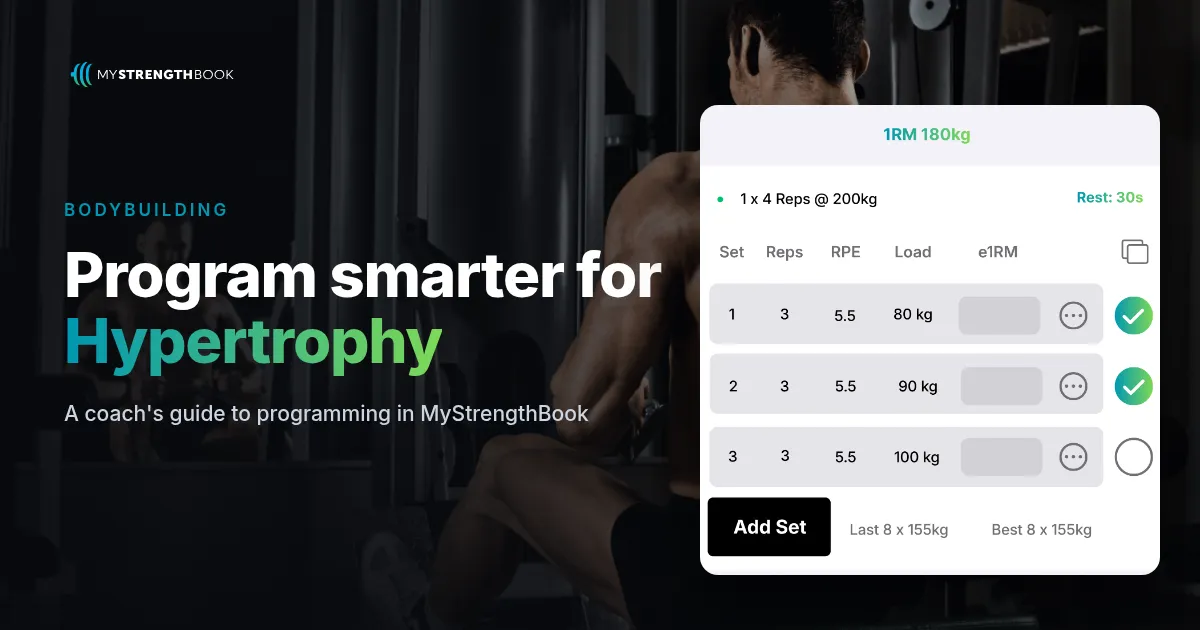
How to Program Hypertrophy and Bodybuilding in MyStrengthBook
Short answer: In MyStrengthBook, you program hypertrophy with RPE effort targets, tempo and supersets on every exercise. Each exercise is tagged with a primary and secondary muscle, so Program Insights shows sets by muscle group for each week while you build. You can rebalance the split before your client trains, then review volume in client reports after.
Why check sets per muscle before the client trains?
Most physique coaches count weekly sets in their head, or in a spreadsheet next to the program. It works until the split changes. Swap one exercise and the count is wrong.
The better time to catch a volume problem is before the week starts, not after a check-in. In MyStrengthBook, the program does the counting while you build.
How do you set effort targets for hypertrophy?
The set row has Sets, Reps and an RPE / AMRAP dropdown. Use RPE for effort, or AMRAP for a last set taken close to failure.
There is no separate RIR field. If you coach with reps in reserve, convert it yourself. For example, RPE 8 is roughly 2 reps in reserve. Write that in the exercise notes so your client sees it.
Two optional checkboxes help with physique work:
- Tempo. The card shows it like "Tempo: 3-1-1-0".
- Reps per side. Useful for unilateral work.
How does muscle tagging work?
Each exercise in your library stores a primary and secondary muscle and an exercise type. You can add your own exercises and upload your own videos. When the tags are right, Program Insights can count the sets for you.
How do you see sets per muscle group in Program Insights?
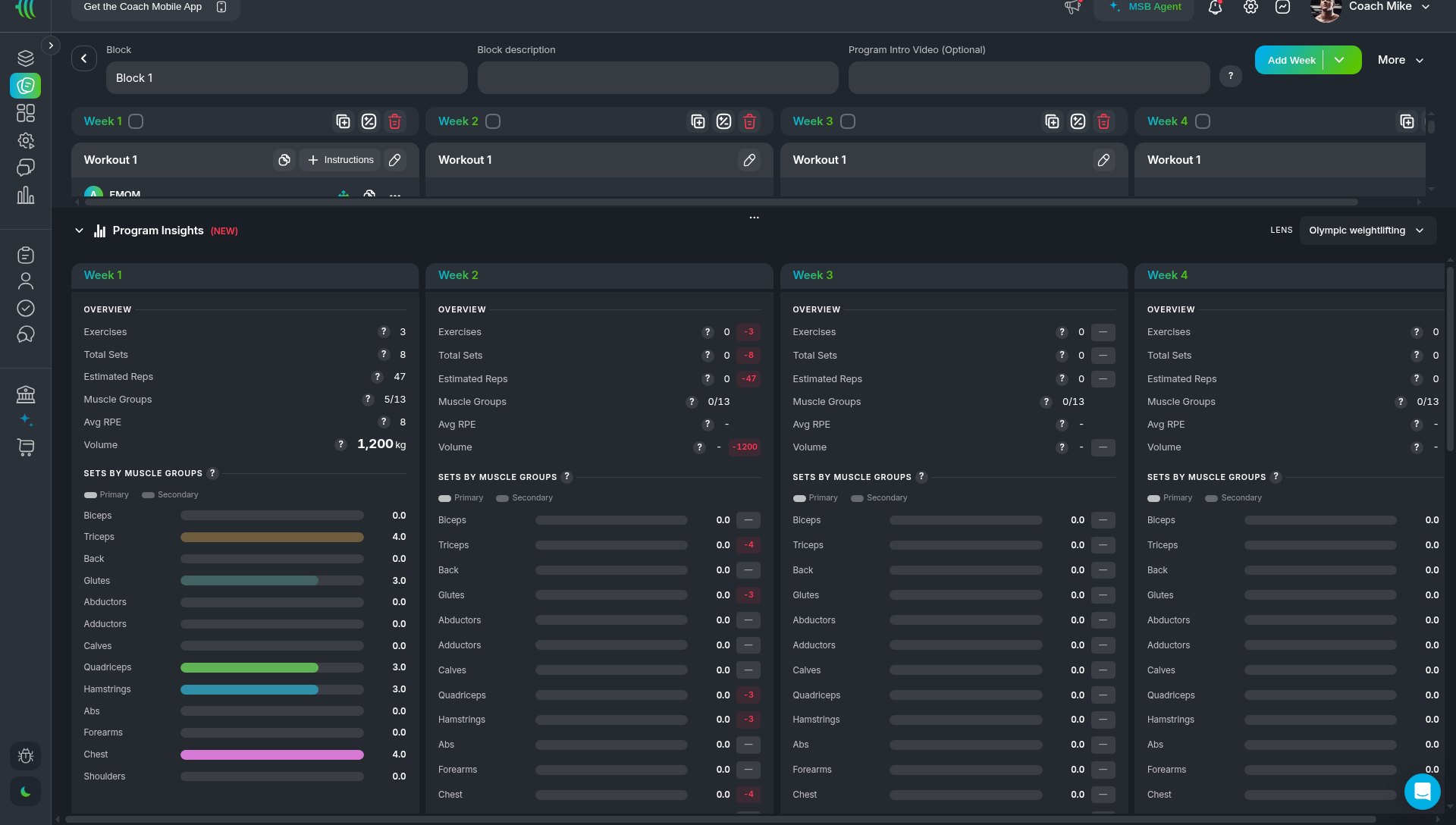
Program Insights sits at the bottom of the program editor. For each week, it shows an overview (exercises, total sets, estimated reps, average RPE, volume) and sets by muscle groups, split into primary and secondary.
The LENS selector defaults to "Hypertrophy / General". Change it if you coach another discipline.
How do you build a hypertrophy split step by step?
- Check your library. Make sure each movement has its primary and secondary muscle set, and add your video.
- Set up the split. Go to Templates, open a program, and use the More menu (Configure weeks, Configure workouts) to lay out a split such as Push / Pull / Legs.
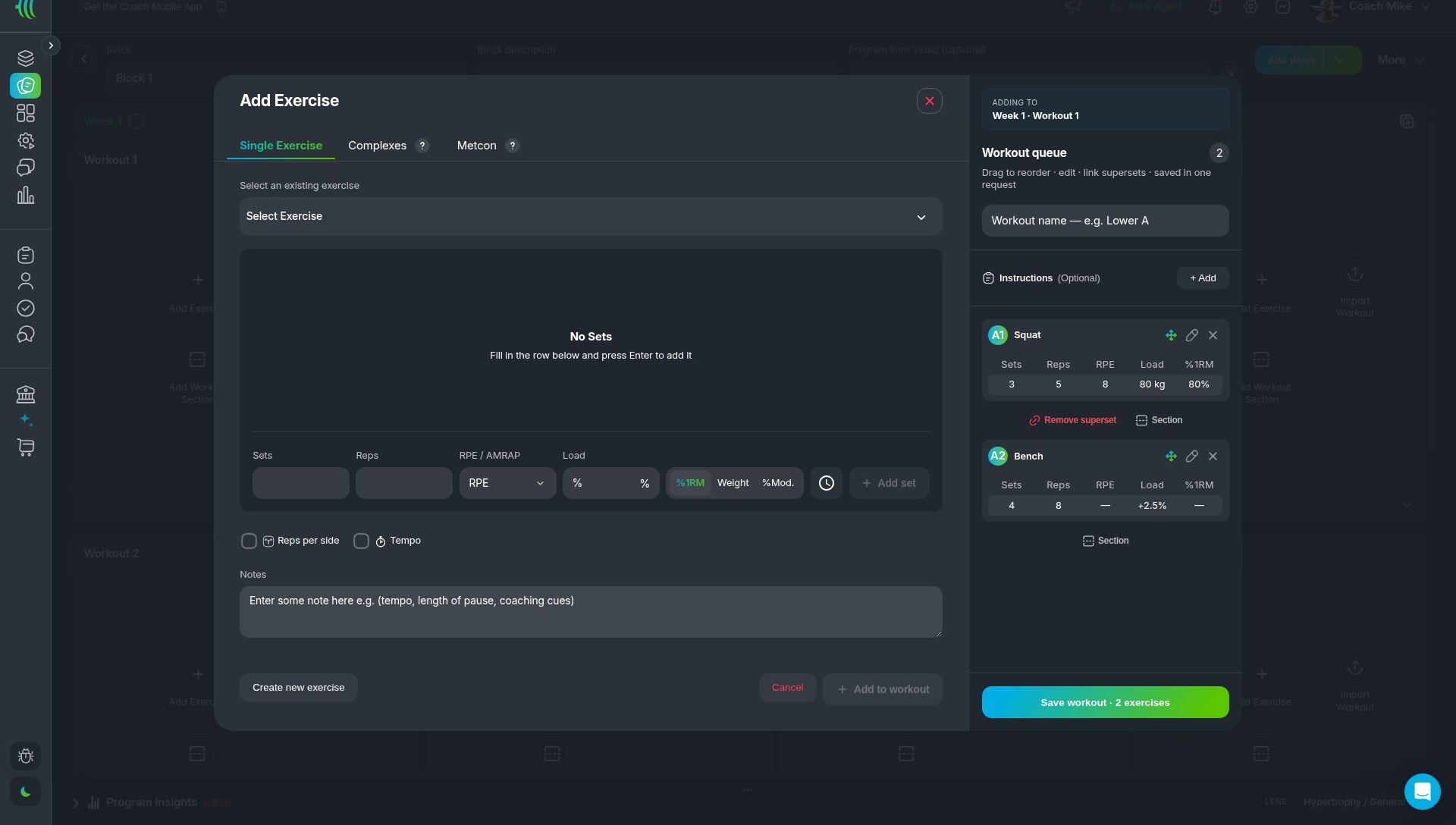
- Add exercises. Click Add Exercise, then the Single Exercise tab. Fill in Sets, Reps and RPE, and tick Tempo where you want it.
- Link supersets. In the Workout queue, link pairs as A1/A2. You can remove a superset the same way.
- Check the volume. Scroll to Program Insights and check sets per muscle group across the week. Rebalance before you assign.
- Progress the mesocycle. Use Duplicate Week with progressions to build out the next weeks.
- Review after training. Open client Reports > Training > Strength Metrics and Exercise History.
What does a sample push day look like?
- A. Incline DB Press: 3 x 8-10 @ RPE 8, Tempo 3-1-1-0. Coach note: about 2 reps in reserve.
- B1. Cable Fly: 3 x 12-15 @ RPE 9
- B2. Lateral Raise: 3 x 15 @ RPE 9
- C. Machine Shoulder Press: 3 x 10 @ RPE 8
- D. Rope Pushdown: 2 x 15, AMRAP on the last set
Then open Program Insights. Check that chest, shoulder and triceps sets land where you planned for the week.
How do you track volume after training?
In the client's Reports > Training > Strength Metrics, tiles include Volume & Intensity, Baseline Volume & Relative Intensity, Over/Under Baseline Volume, Primary & Secondary Volume Split and Number of Lifts. Exercise History shows how each movement trends over time.
FAQ
Does MyStrengthBook have an RIR field?
No. Effort is set with RPE or AMRAP. Coaches who use RIR convert it (RPE 8 is roughly 2 in reserve) and add it in the notes.
Can I see weekly sets per muscle group?
Yes. Program Insights shows sets by muscle group for each week, split into primary and secondary.
Can I program tempo?
Yes. Tick Tempo on the exercise and enter it, for example 3-1-1-0.
Can I build supersets?
Yes. Link exercises in the Workout queue as A1/A2.
Is this only for advanced bodybuilding coaches?
No. The same tools work for a general hypertrophy client. Start with RPE and sets per muscle, and add tempo and supersets when you need them.
Build your next hypertrophy mesocycle
Coach strength clients too? Read the powerlifting guide, or see how MyStrengthBook handles every discipline.
Start your free trial and build one push day. Then check its sets per muscle in Program Insights.


No email required
More from the blog



Your coaching deserves a smarter engine
Program, track, and analyze every client across training, nutrition, lifestyle, and education. Less admin, more coaching
Explore PULL ›