


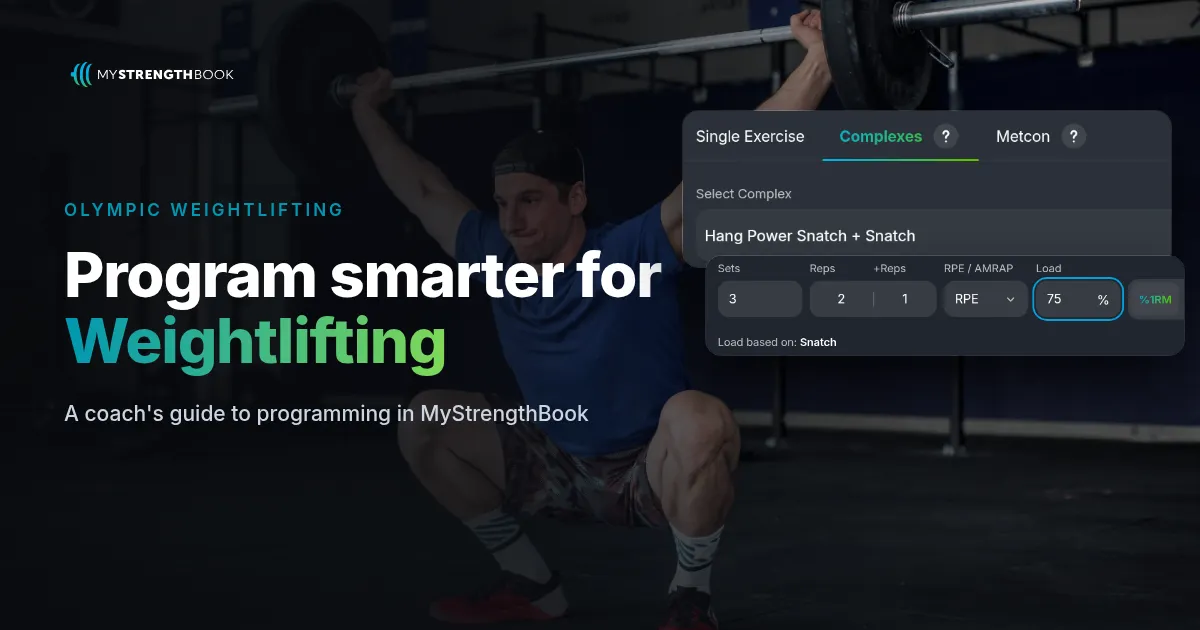
How to Program Olympic Weightlifting in MyStrengthBook
Short answer: In MyStrengthBook, you program weightlifting complexes in the Complexes tab of the Add Exercise modal. A complex combines two or three movements into a single set. You enter reps per movement (like 2+1), a percentage, and the complex calculates load from the movement you chose in "Load based on", such as the Snatch. Straight lifts use the same set row as strength work, with %1RM, RPE and %Mod.
Why does a complex need its own field?
A complex is one set, not three exercises. "Clean + Front Squat + Jerk, 1+1+1 @ 78%" means one bar, one load, one effort.
Most apps make you fake it. You write the complex as text, or split it into separate exercises that don't share a load. Then the percentage has nothing to point at.
In MyStrengthBook, a complex is a real exercise. You decide which lift the percentage is based on, so 75% means 75% of the right max.
How do you create a complex?
- Go to the Exercise library, then Add Custom Exercise, then Add Complex.
- Choose Complex 1 and Complex 2. Add Complex 3 if you need it. A complex needs two movements and can have up to three.
- Set "Load based on". For example, base Hang Power Snatch + Snatch on the Snatch.
- Add an exercise URL or upload a video.
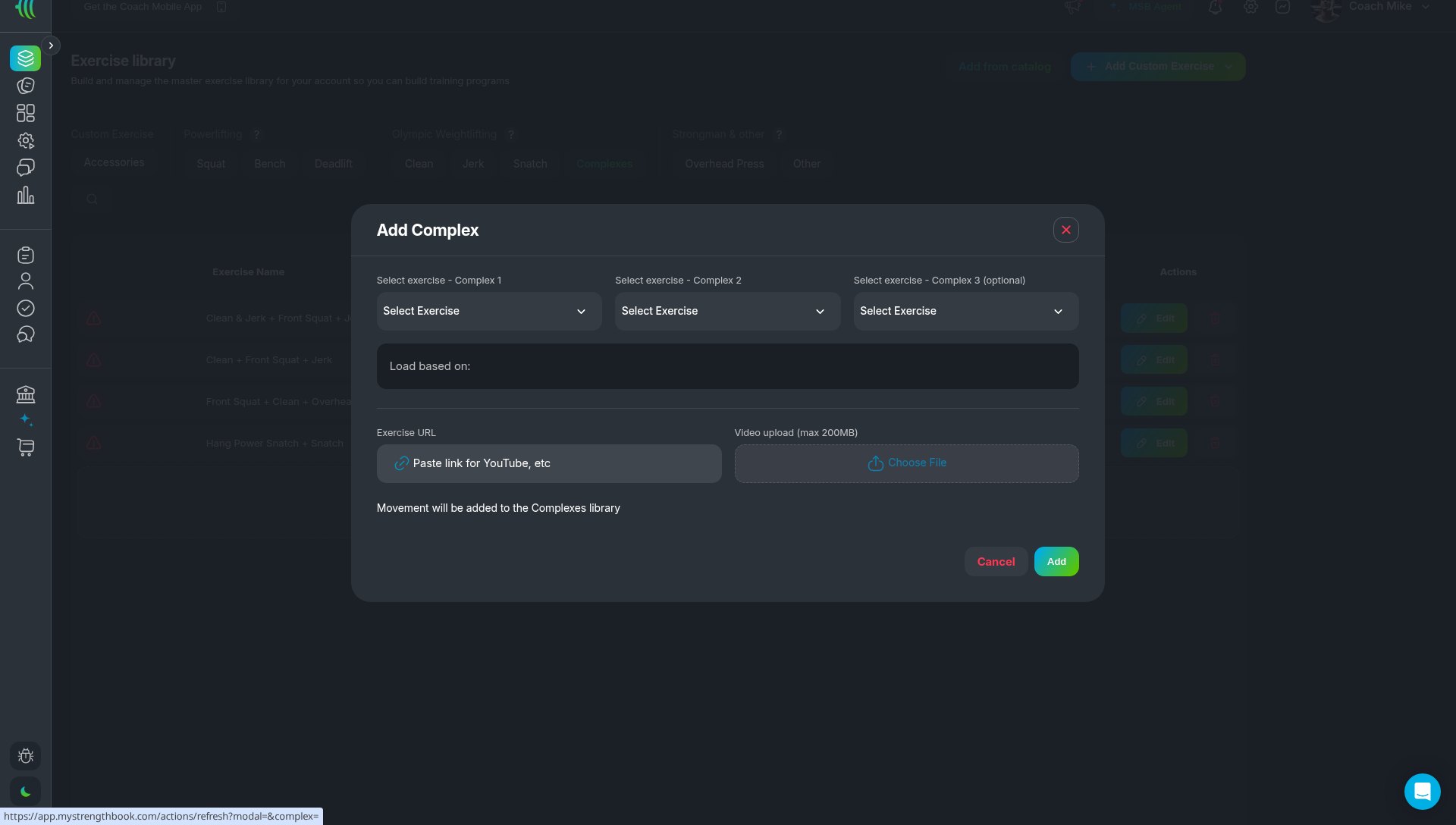
Your library may already include common complexes, such as Clean + Front Squat + Jerk and Hang Power Snatch + Snatch. Snatch and Clean & Jerk are available as primary categories.
How do you prescribe a complex in a workout?
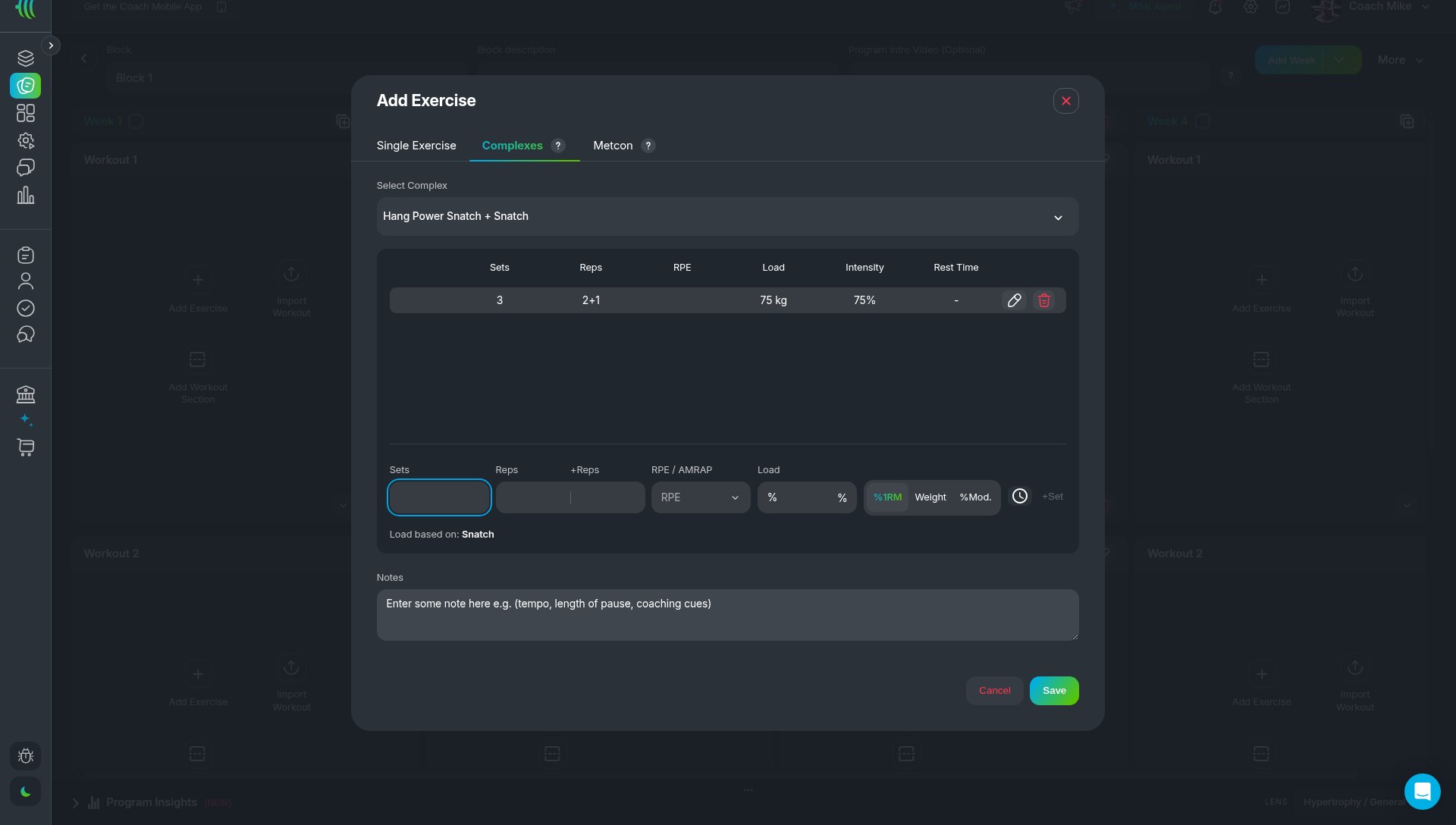
- In a workout, click Add Exercise, then the Complexes tab.
- Use Select complex to pick one from your library.
- Enter Sets, then reps in the separate Reps + Reps (+ Reps) boxes, then Load as a percentage.
- Click Add set. The set shows as, for example, 2+1 @ 75%.
How do you program straight percentage work?
Straight lifts like squats and pulls use the Single Exercise tab. The set row has Sets, Reps, RPE and Load, with Load set to %1RM, Weight or %Mod. Percentages calculate from the athlete's maxes and logged results. %Mod. adds or takes a percentage off the load of a previous session, which works well for weekly jumps.
Then use Duplicate Week with progressions to build out the mesocycle.
What does a sample weightlifting session look like?
- A. Hang Power Snatch + Snatch (based on Snatch): 5 x (2+1) @ 75%
- B. Clean + Front Squat + Jerk (based on Clean): 4 x (1+1+1) @ 78%
- C. Back Squat: 4 x 3 @ 80% 1RM
Percentages calculate from the athlete's maxes and logged results.
FAQ
How many movements can a complex have?
Two or three. Two are required and a third is optional.
Which lift does the complex percentage use?
The movement you set in "Load based on". For example, Clean + Front Squat + Jerk can be based on the Clean.
Can I write 2+1 instead of 3 reps?
Yes. Each movement has its own Reps box, so the set shows as 2+1.
Can I add a video to a complex?
Yes. When you create a complex, you can add an exercise URL or upload a video.
Can I mix complexes and straight lifts in one session?
Yes. Add complexes from the Complexes tab and straight lifts from the Single Exercise tab in the same workout.
Build your next weightlifting session
Programming the squat and pull work in more depth? Read the powerlifting guide, or see how MyStrengthBook handles every discipline.
Start your free trial and build one complex for your lifter's next session.


No email required
More from the blog




Your coaching deserves a smarter engine
Program, track, and analyze every client across training, nutrition, lifestyle, and education. Less admin, more coaching
Explore PULL ›